Remove color from image free online no signup
Need to remove color from image? Use PxBee’s image color remover to export transparent PNGs in up to 4K quality in under 5 seconds. Simply upload a photo, and the AI automatically removes the background color for you. Ideal for e-commerce marketing and design. No login or skills required.


Drag and drop your image here
Drag and drop your image here



How to remove color from image in one click?
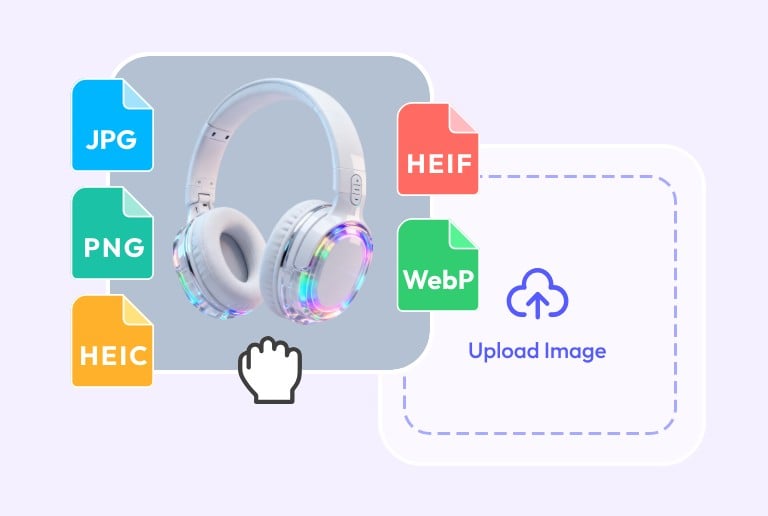
Step 1. upload an image
Upload an image you want to remove color from. We support common formats, including JPG, JEPG, PNG, and WEBP.

Step 2. AI removes color from image
Our AI automatically detects the background color in your image and removes the color to transparent in under 5 seconds. No manual editing is needed.
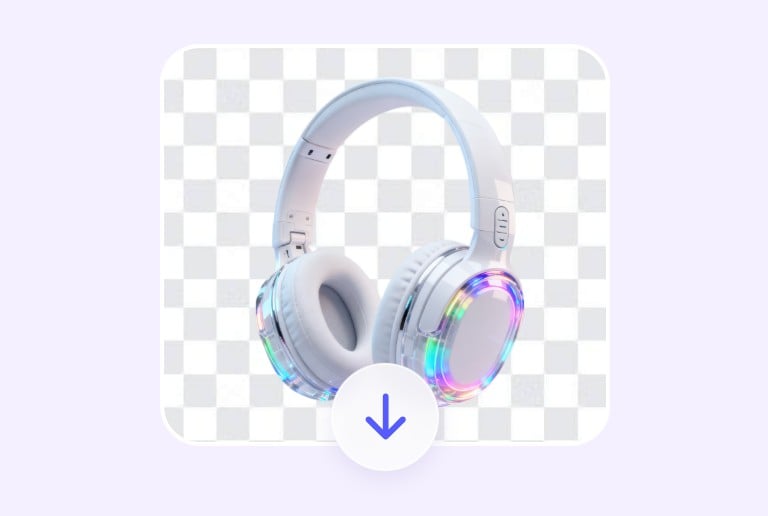
Step 3. preview & download
Preview the result and download your image as a transparent PNG, with output quality up to 4K, completely free.

What is PxBee's image color remover?
PxBee's image color remover is an AI-powered tool that can remove specific color from image and export it with a transparent background in PNG format. Once you upload a photo, our AI color remover intelligently detects the subject and automatically removes color to transparent. No manual editing or design skills are needed.
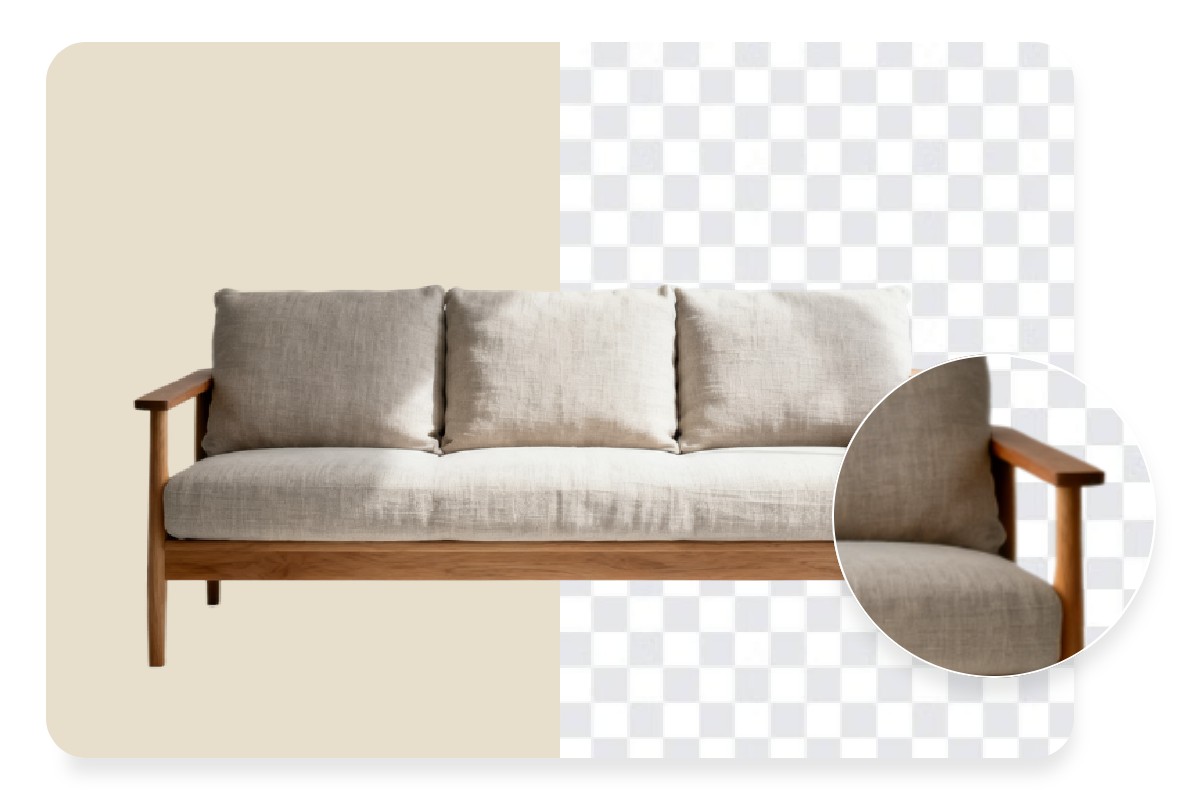
Intelligent & precise color remover from image
PxBee intelligently removes background colors without affecting the subject, while other tools may accidentally delete parts of the subject that share the same color as the background. The output features sharp, clean edges, and even fine details like strands of hair are accurately preserved.
In addition, PxBee can remove color from images with solid backgrounds, gradient backgrounds, or textured colored backgrounds. No matter what kind of photo you upload, our image color remover handles it with ease.

4K-Quality & ready-to-use transparent PNG export
PxBee removes color from images without quality loss, delivering results in up to 4K resolution. It works smoothly with both high-resolution and low-resolution images, maintaining fast processing speeds of under 5 seconds.
Unlike other tools that deliver JPG or JEPG images, our color remover from photo offers ready-to-use PNG export with transparent backgrounds. Ideal for e-commerce product photo, design, and professional use.
Easily remove any background color with AI

Black background
Remove black background colors from any image with one click, keeping all details intact and your photo looking clean and professional.

White background
Remove white background colors from images, making them crisp and clear, ideal for product shots, portraits, and design use.

Green screen
Remove green screen colors from your images with AI, accurately separating the subject from the background for natural and realistic results.
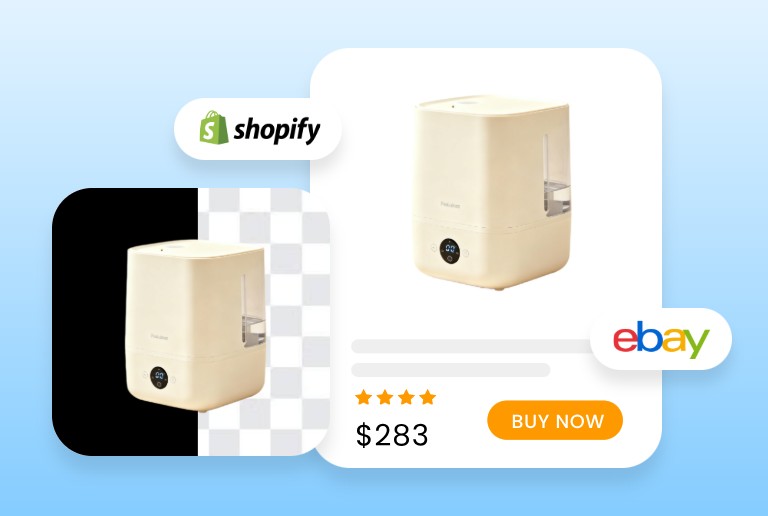

Why is PxBee the best tool to remove specific color from image?

One-click editing
Unlike other tools that require manual color picking, PxBee's color remover from image is fully automated. Just upload a photo and let the AI handle the rest.

Safe & Private
Your uploaded photo will be automatically deleted once you leave or refresh the page. We will not share your personal information with any third party.

No sign-up
You can remove colors from images on PxBee without creating an account. Just a clean, straightforward experience from start to finish.

Free to use
Remove color from images for free on PxBee. No ads or no hidden fees. Ideal for first-time users and everyday use in e-commerce, design, social media, and professional content creation.

Instantly change color after removal
PxBee not only helps you remove color from an image, but also lets you change the background to any color instantly after removal in just one click.

Supports multiple image formats
Our image color remover supports common image formats, including JPG, JPEG, PNG, and WEBP.