AI Generative Fill Online Free
Edit images in seconds with PxBee's AI generative fill online for free. Use advanced AI inpainting technology to add, remove, or replace objects simply by brushing a section and typing a text prompt. No sign-up, no watermarks. Have a try now!
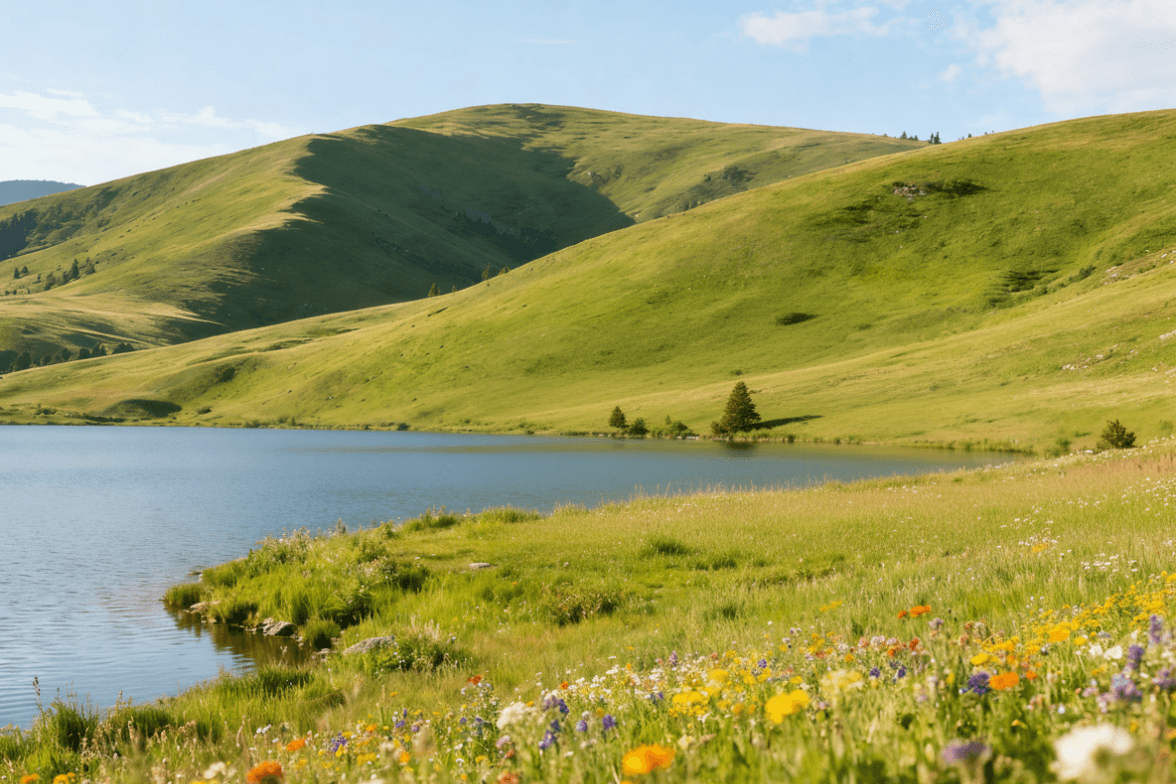
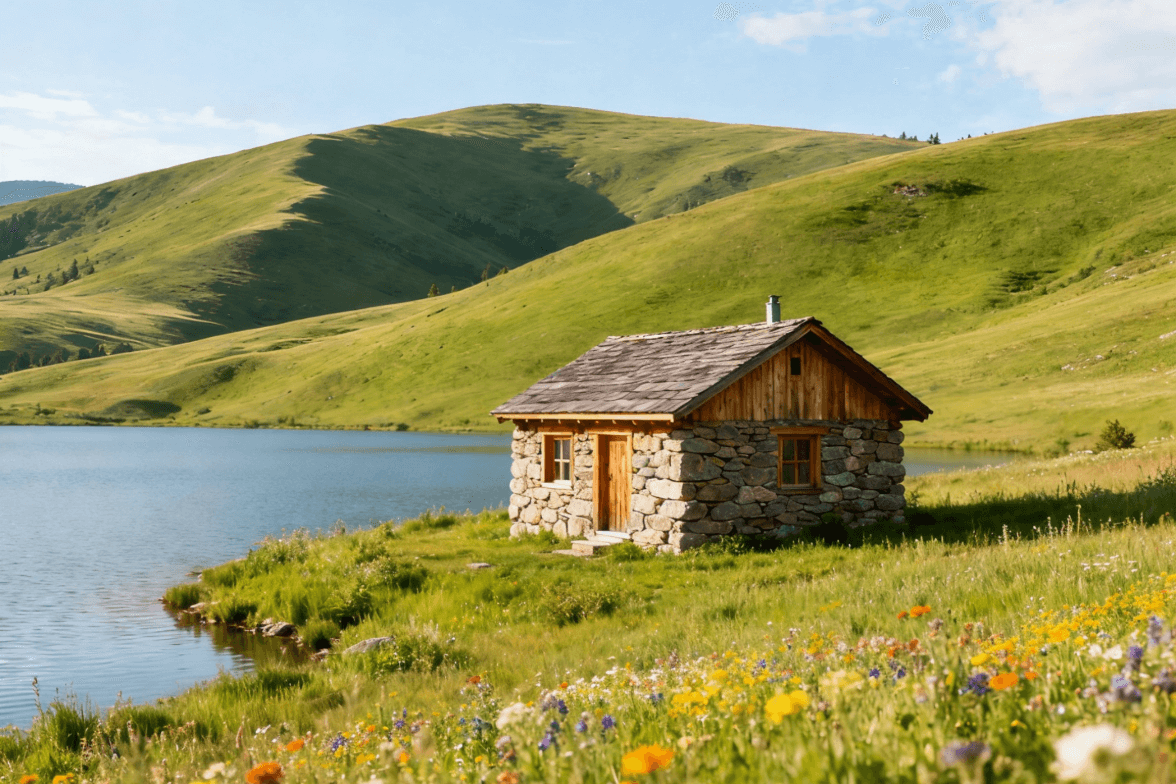
Drag and drop your image here
Drag and drop your image here


What is the AI generative fill?
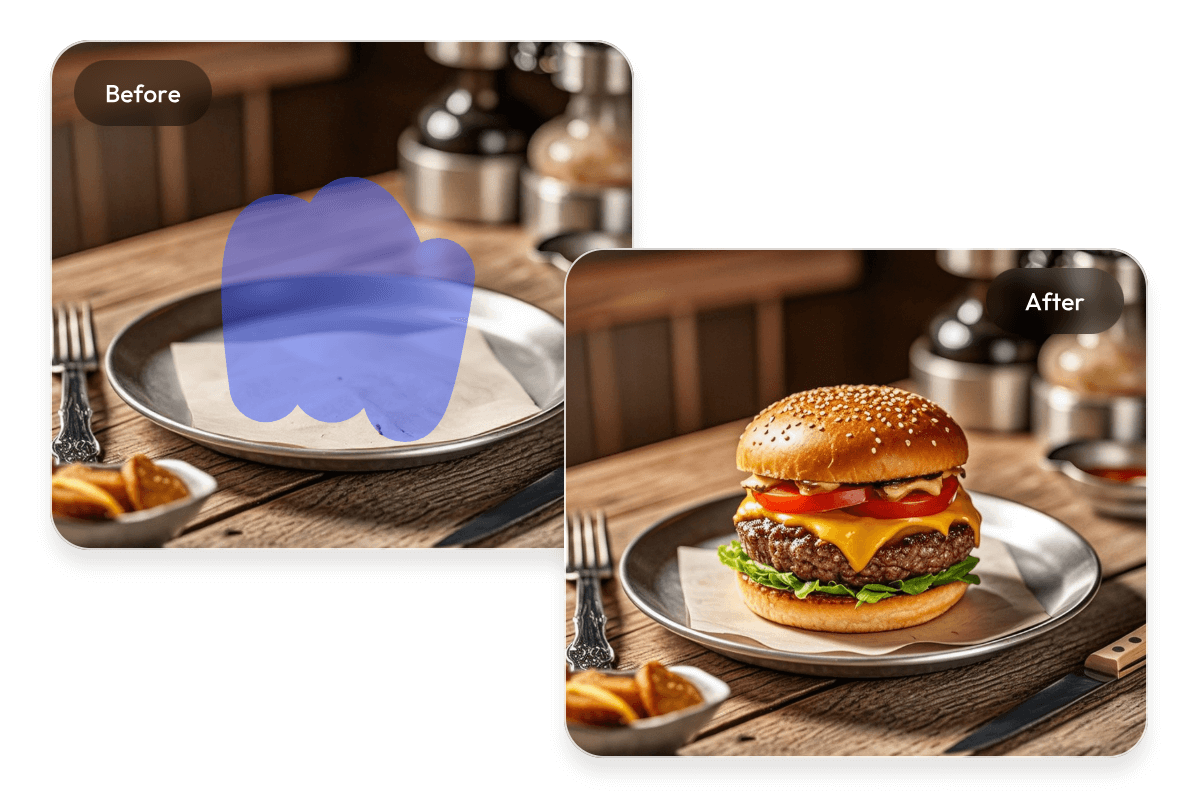
AI generative fill is a context-aware image editing technology that uses advanced AI inpainting technology to modify photos based on text instructions. PxBee’s AI filler leverages generative models to intelligently fill, replace, or extend specific image areas.
By analyzing the surrounding pixel context, including lighting, shadows, and texture, our AI image filler synthesizes entirely new content that blends indistinguishably with the original photo, allowing you to achieve professional-grade edits in seconds.
What can you do with PxBee's AI generative fill?
Use PxBee's free AI image filler to effortlessly edit your pictures, ideal for interior design, portraits, landscapes, and other creative visual editings.
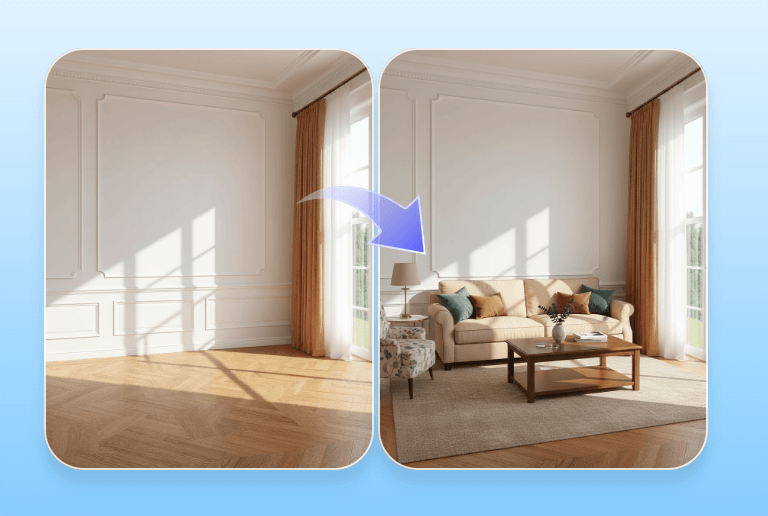
Interior design visualization
Instantly fill empty rooms with modern furniture, plants, and decor. Real estate agents and interior designers can use AI inpainting to visualize potential renovations
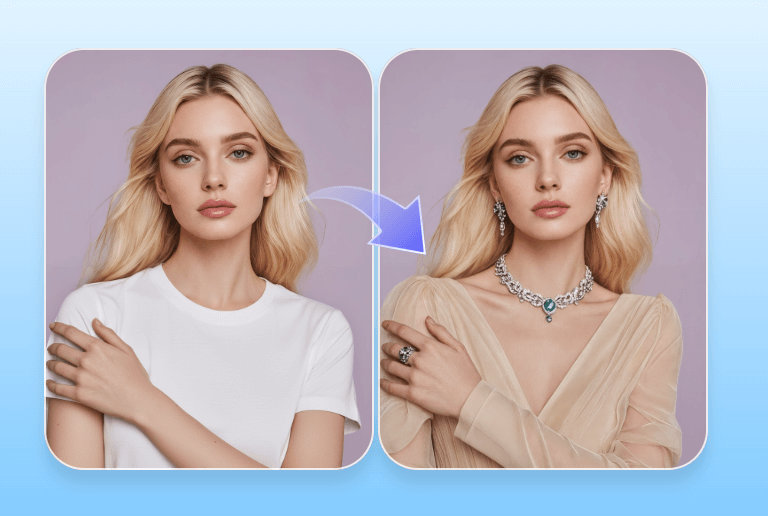
Virtual fashion try-on
Transform your photo into a virtual dressing room. Use AI generative fill to digitally swap outfits, test new hairstyles, or accessorize with jewelry.
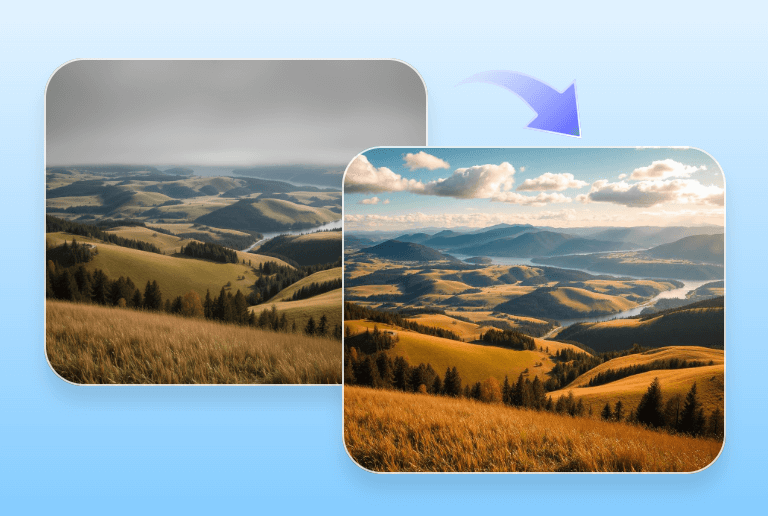
Landscape enhancement
Adjust image expansion, replace skies, or enrich scenery. Transform ordinary landscapes into visually balanced, immersive images.
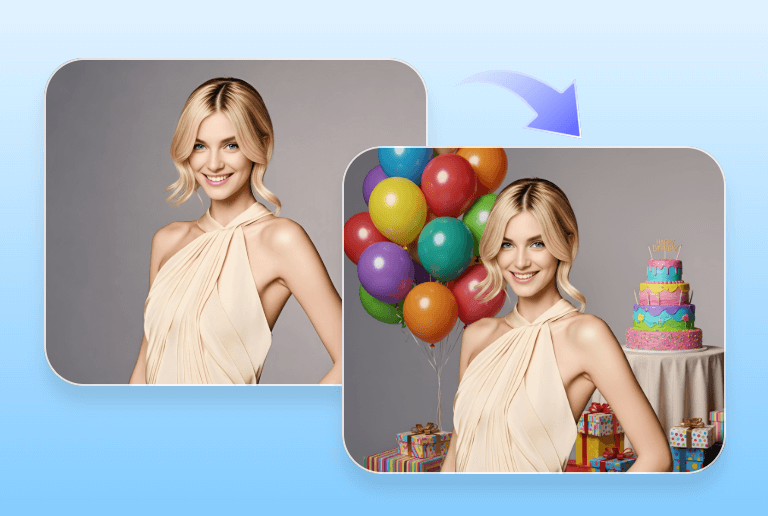
Portrait retouching
Add balloons, cakes, or festive elements to birthday portraits. Make every celebration photo more joyful and complete with vibrant details.
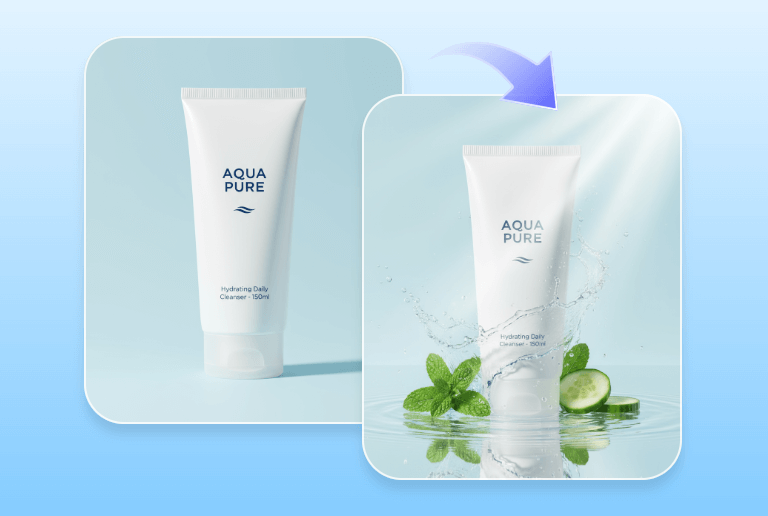
E-commerce photography
Elevate your brand storytelling by placing products in realistic lifestyle contexts. Use generative fill to add relevant props or create seasonal backgrounds.
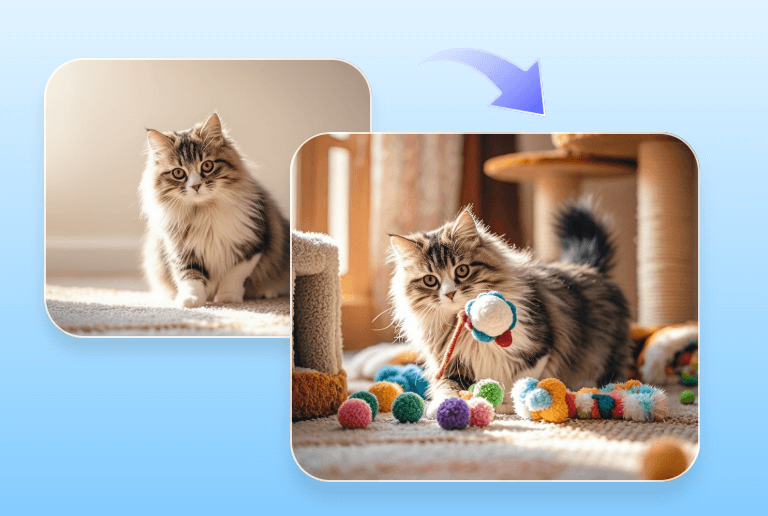
Creative pet photography
Create viral-worthy pet content effortlessly. Instead of forcing your pet to pose, use the generative fill AI to add cute hats, toys, or fantasy backgrounds to existing photos.
How to use AI genenerative fill in PxBee?
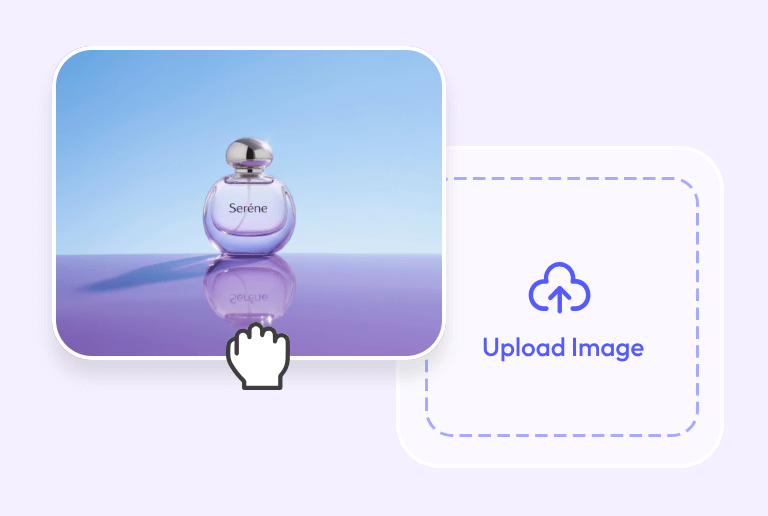
1. upload your image
Click the button "Upload image," and drag or drop the image you want to edit into the workspace.
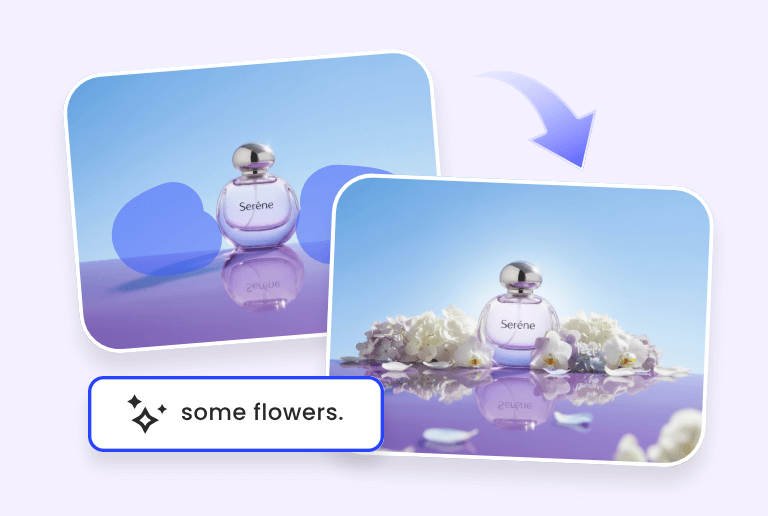
2. Brush the area and enter a text prompt
Adjust the brush size and use it to highlight the area you want to edit, and describe what you’d like to generate in the text box.
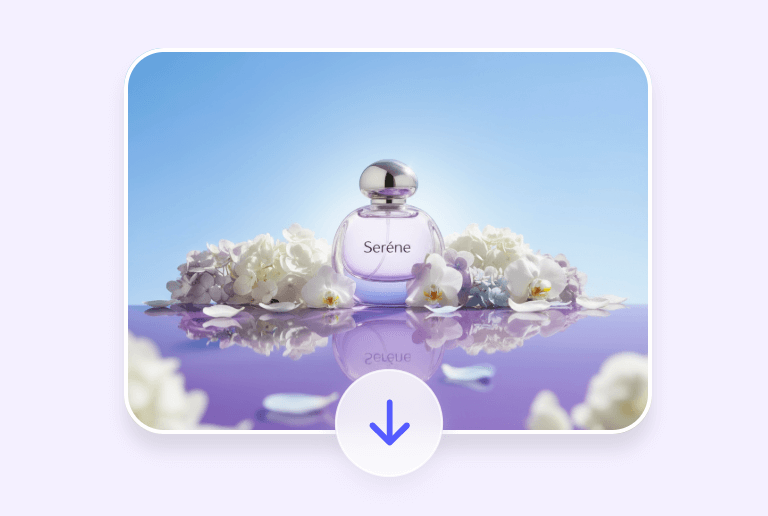
3. Generate and download
Press "Generate," and wait a few seconds for the filling process to complete. Then, download it without watermarks.
Why choose PxBee's AI generative fill?

Watermark-free
Enjoy clean, professional images with no watermarks or distractions added to your final output.

Customizable brush size
You can flexibly adjust the brush size to cover large areas quickly or refine small sections with precision, ensuring accurate edits.

No sign-up
Begin editing instantly without creating an account. Access the tool and start your image filling in just one click.

Confidential & secure
No worries about data security. Your processed images are processed securely and automatically deleted from our servers after X hours.

Various formats input
Upload images in various formats such as JPG, PNG, JPEG, or WEBP with full compatibility and smooth processing.

High-quality output
All edits maintain the original resolution and clarity. Download your finished image in high-quality JPG or PNG format.