AI sky replacement: change sky in photo online free in seconds
Easily and quickly replace sky in photo with PxBee’s AI sky replacement tool, the perfect alternative to Photoshop or Lightroom. Rely on it to fix a bad sky or fine-tune your original sky in your image. Try PxBee now to get satisfactory sky pictures. No complex editing skills needed. 100% free and no sign-up.


Drag and drop your image here
Drag and drop your image here


What is sky replacement?
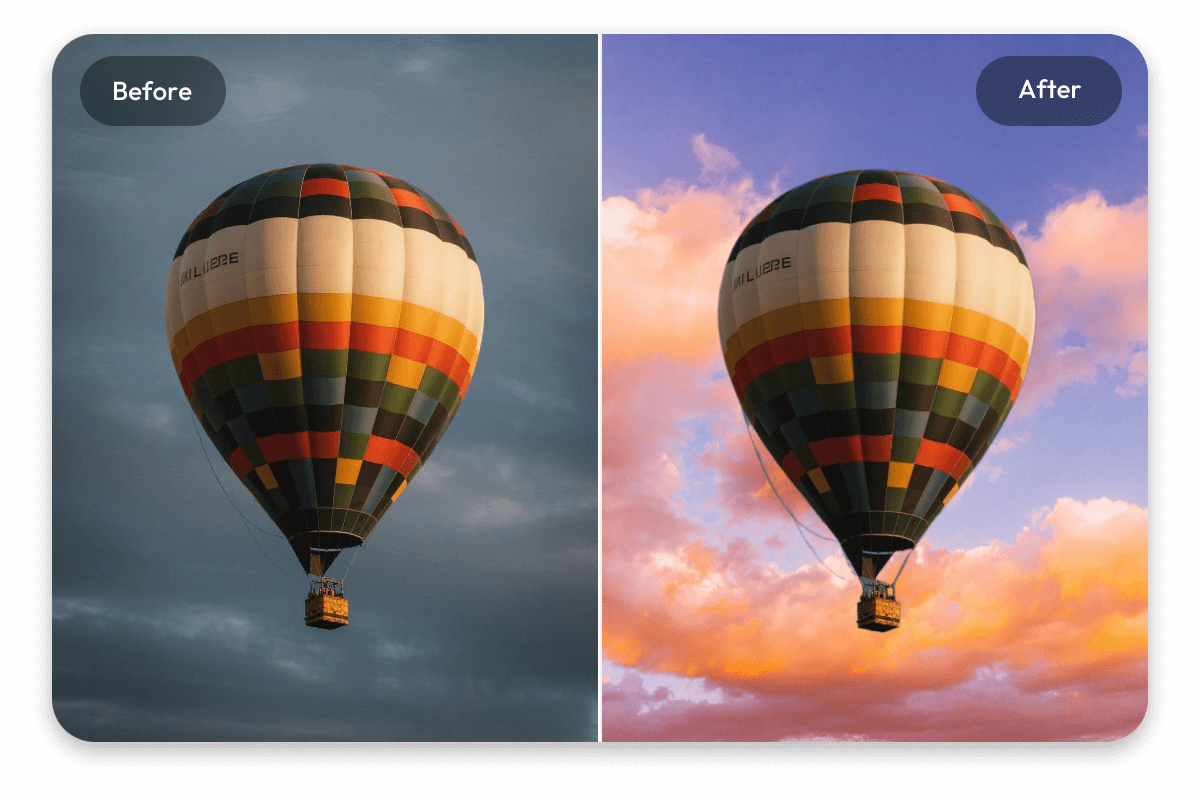
AI sky replacement is a digital image editing technique that uses artificial intelligence to automatically detect and remove the original sky, and replace it in your photo with a different one created from a user’s text prompt.
Instead of manually masking and editing, this tool intelligently detects the sky area in your image and blends a new one seamlessly into the scene, matching lighting, color and depth for realistic results. Therefore, you can realize the following goals:
*Fix a bad sky (Replace gray skies with blue skies)
*Add sky to photo (Create dramatic cloud effects)
*Edit sky in photo (Turn daytime photos into sunset scenes)
It is an easy and convenient way to give your photo a new vibe or generate creative visuals for design or marketing purposes.
How to change sky in photo with our AI sky replacement tool?
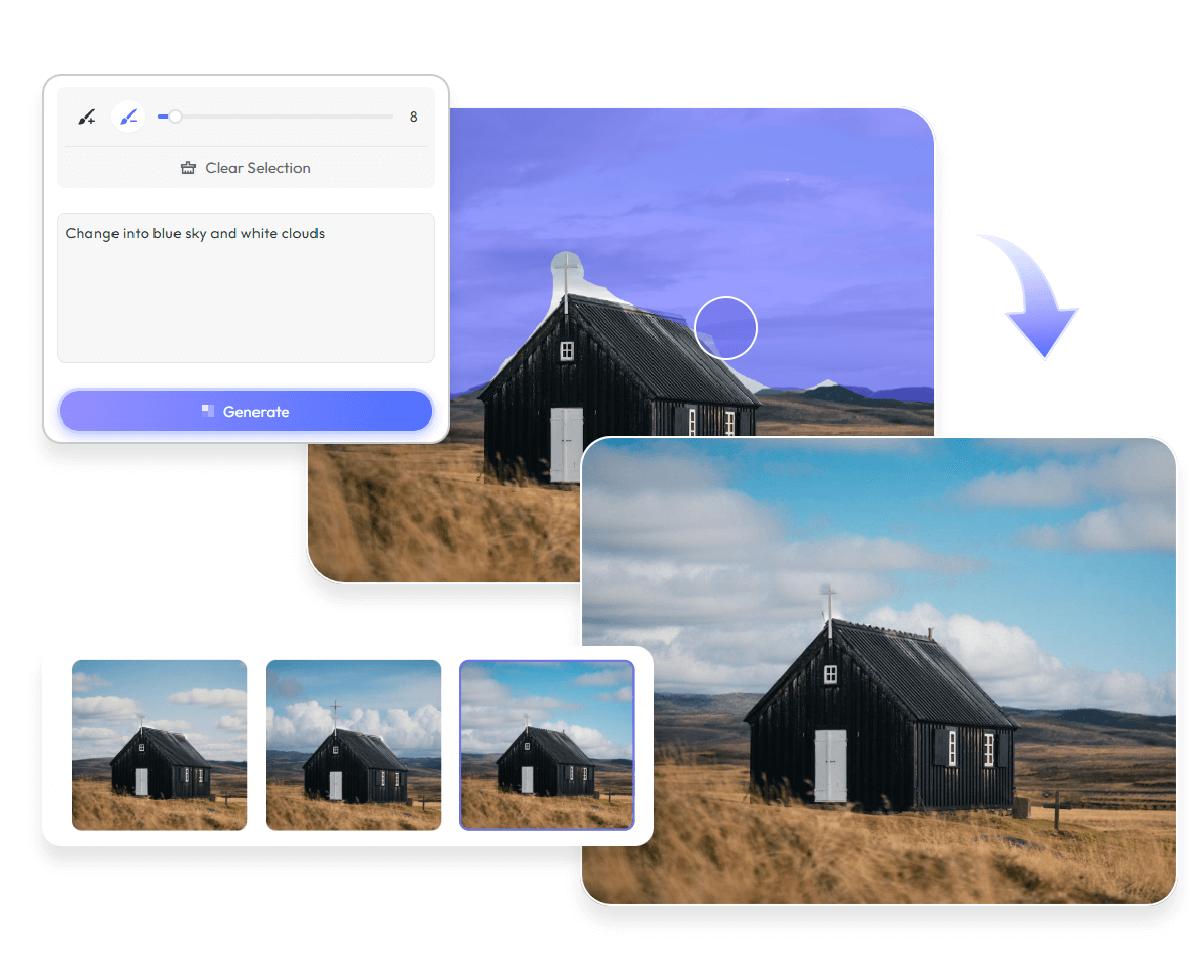
- Upload your sky picture to our AI sky replacer.
- Use our magic brush to paint the original sky over. Adjust the brush size to facilitate your selection if necessary.
- Input your text to describe the ideas of the new sky as specifically as possible, including color, cloud and more.
- Click “Generate” to let our tool automatically generate the new sky for you and intelligently replace the original one with it.
- Preview the result and then tap “Download” to export it.
Automatic, quick and HD sky replacement with AI
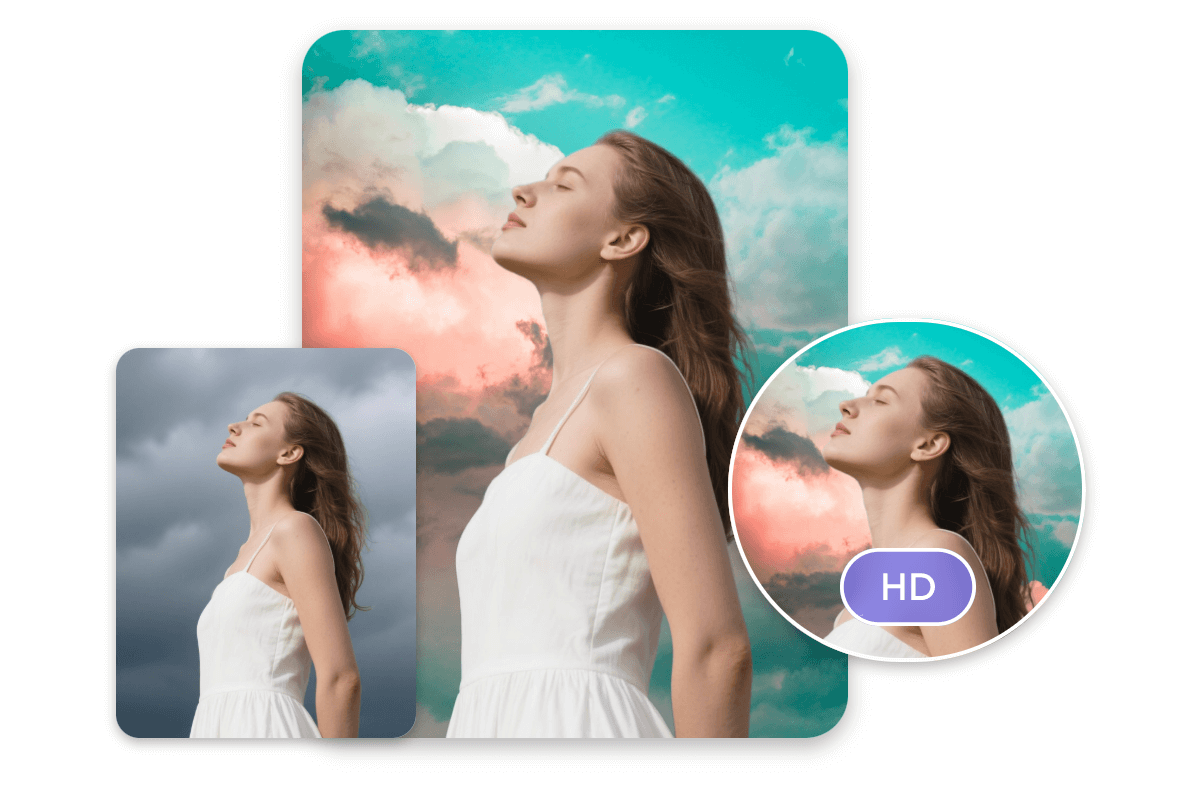
Our AI replace tool is equipped with advanced artificial intelligence technology that targets excellent text-to-image generation and automatic image replacement. Simply make use of it to magically apply the sky filter in your mind to your picture and expect a high-quality visual with the desired sky change online.
Why select PxBee’s AI sky replacer?

100% free
Our AI sky changer is now entirely free to use. So, everyone can access our full services without any payment.

No sign-up
Start your AI replacement journey right away with no sign-up required.

Easy to use
Our AI sky editor boasts an intuitive interface and allows you to change sky in your photo with only a few steps. Even beginners will find it effortless to operate.

Automatic sky replacement
Our sky swap AI, equipped with advanced artificial intelligence technology, can intelligently detect the sky background of your photo and automatically generate a realistic new one for it based on your descriptions.

HD & natural sky results
The AI-generated sky will be natural-looking and seamlessly blended into your photo without damaging the existing content. Also, you will get your new visual with a changed sky in high resolution.

No watermark
No distracting watermark will be inserted into your sky replacement image, which can be directly applied to your personal or professional projects.
Elevate any visual with our AI sky changer
AI replace the sky in your picture to refresh it with our AI sky editor and quickly level up your visuals to attract your audience and boost engagement.
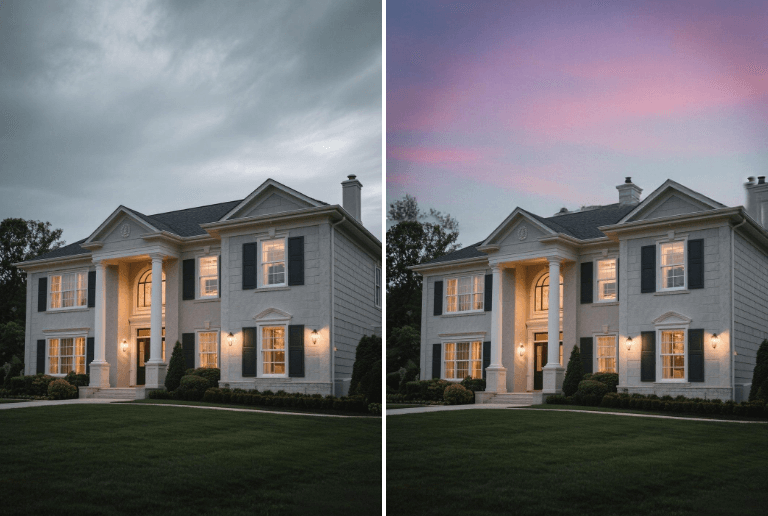
Real estate visual
Give your real estate photography a pleasant and clean look by fixing the bad sky.

Product listings
Replace sky in your product photo without a green screen to match the tone with your campaign mood and arouse buyers’ interest.
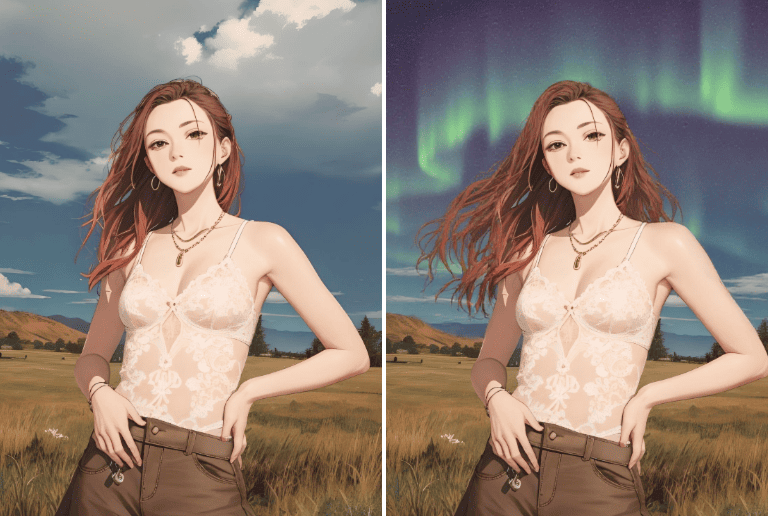
Outstanding PFP
Change sky in one of your random photos to make it more eye-catching and use it as your social media PFP or avatar to drive more traffic to your channels.
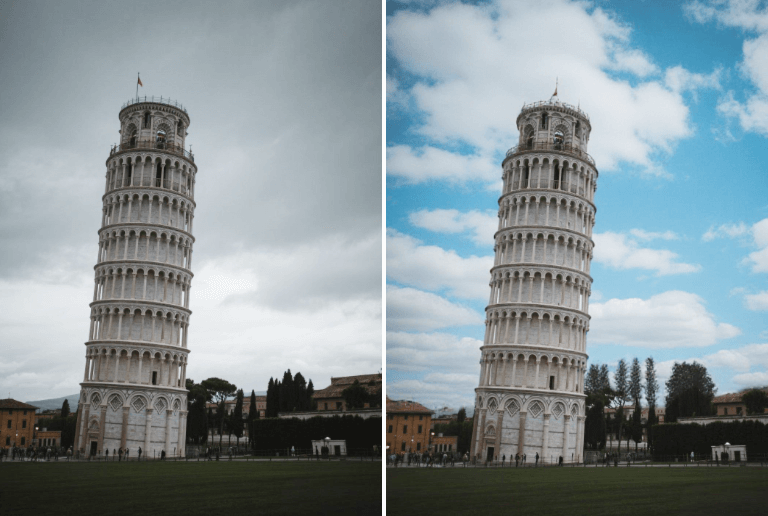
Travel photo
Easily customize the sky backgrounds in your travel photos, from a clear blue sky to a beautiful aurora sky, to make your travel memory more colorful.
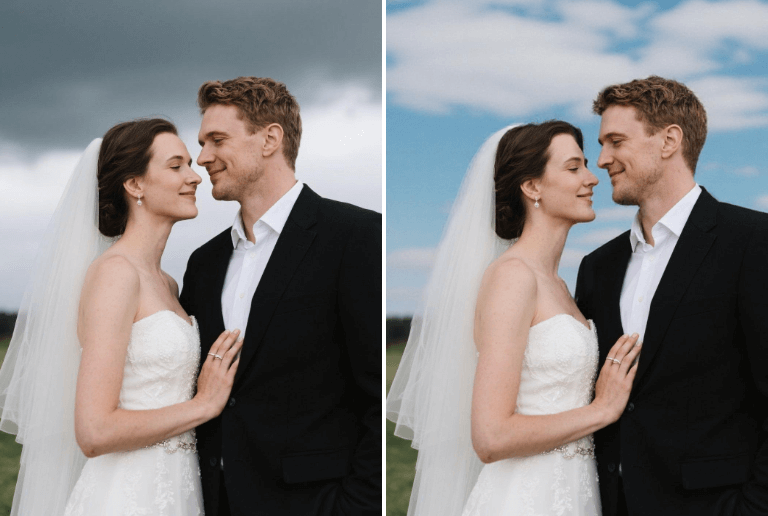
Wedding photo
Turn a dull sky in your wedding photo into a dreamy twilight or a bright sky with clean clouds to have a warm memory that can last forever.

Portrait photo
Seamlessly replace skies in portrait photos and quickly change their vibes to meet your different needs.
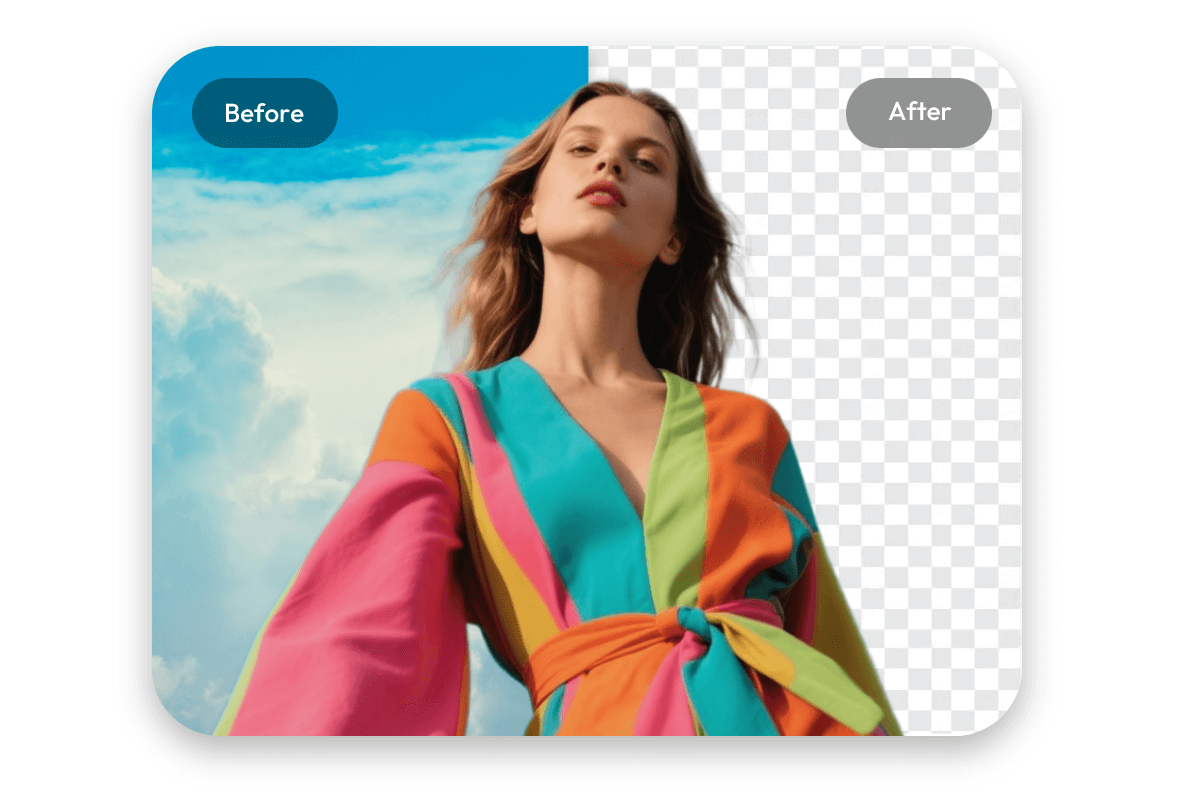
Also a practical AI sky remover for you
PxBee also appears as a useful background remover that offers automatic bg removal with AI. Just upload your image and then our tool can automatically erase the sky background for you. Try PxBee now to get an HD transparent portrait or product picture without switching tools.