Free online AI replace - replace anything in image with AI
PxBee’s free online AI replace tool lets anyone quickly and easily replace anything in your image—from backgrounds and objects to faces, sky, text, hairstyles, clothes, and more. You can also add new elements with AI generative fill—no sign-up required.
Drag and drop your image here
Drag and drop your image here



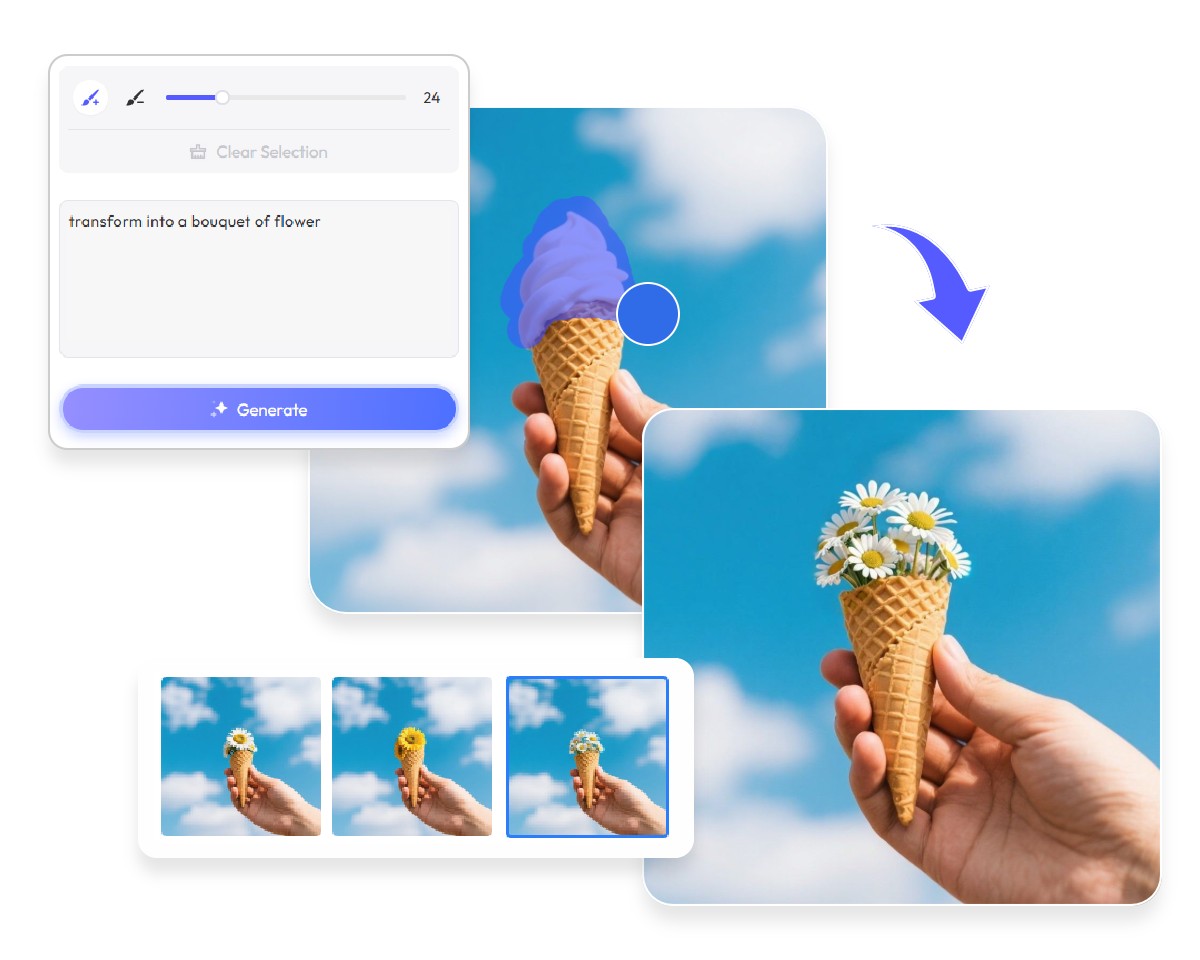
Quick tutorial: Use PxBee’s AI replacer in 3 simple steps
- Upload your image and use the magic brush to paint over the area you want to replace.
- Enter a text description of the element you want to replace or add, and let AI understand your input.
- Click “Generate” to replace the selected elements, then download your high-quality image without any watermark.
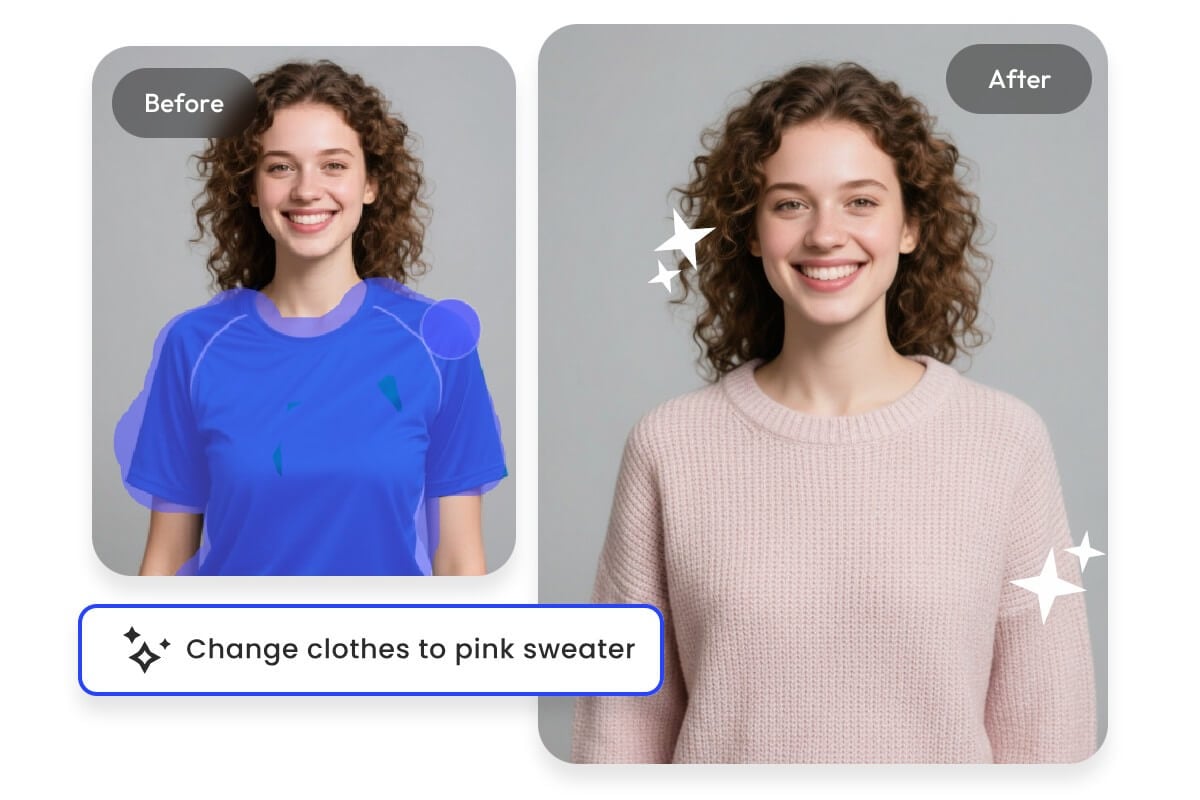
Get to know PxBee’s AI replace
Perhaps you’re not satisfied with certain elements in your image, but manual editing can be time-consuming and tedious. PxBee’s best AI replace makes it easy—no professional skills required. Using advanced AI technology, it can intelligently replace or add elements in your image.
Simply upload your image, use the magic brush to mark the area you want to replace, and enter a text description of the elements you want. The AI will quickly and naturally replace and add content to your image.
What PxBee’s AI image replacer can do
Discover what PxBee’s AI image replacer can do for your images—easily replace backgrounds, objects, text, and more.
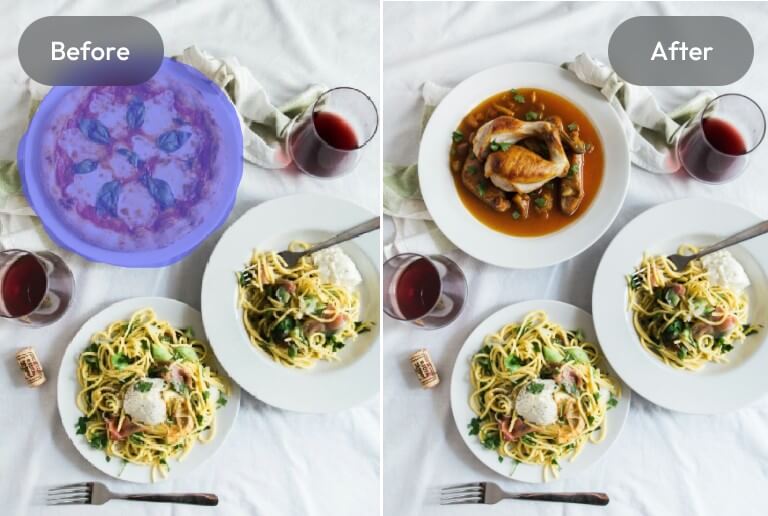
Magic brush
Our magic brush lets you manually paint and precisely select the area or element you want to replace.
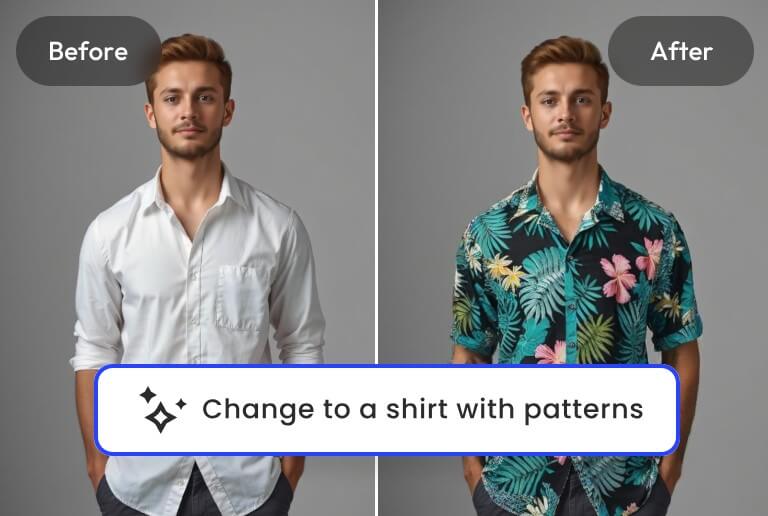
Replace with prompts
Describe what you want in text, and our AI image replacer will understand your image and replace the selected area naturally.
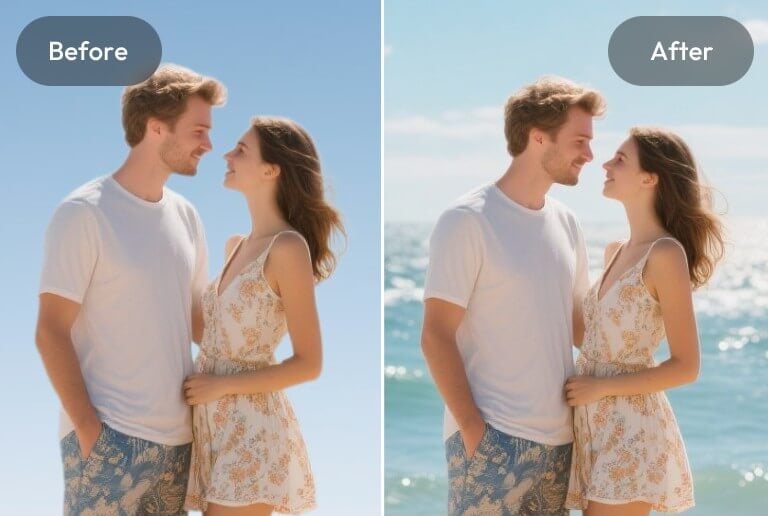
Replace backgrounds
Easily replace photo backgrounds with AI, whether you want a clean, realistic, or creative new scene.
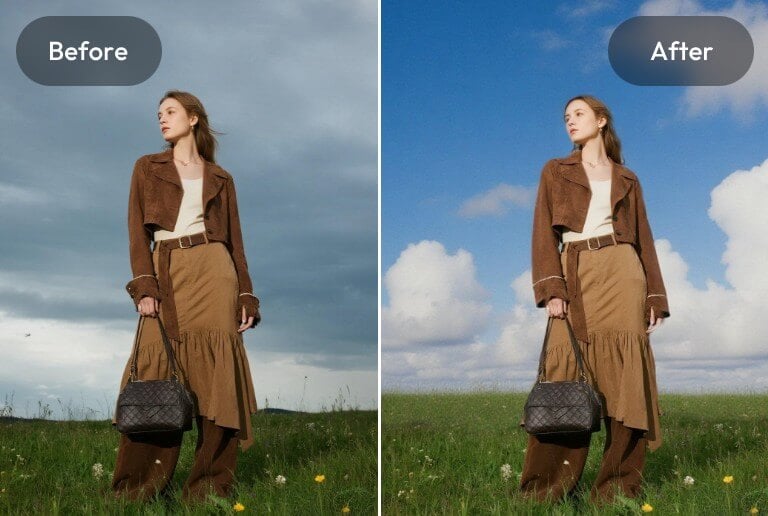
AI sky replacement
Go beyond replacing the sky—change the weather, lighting, and overall mood of your photo with AI.
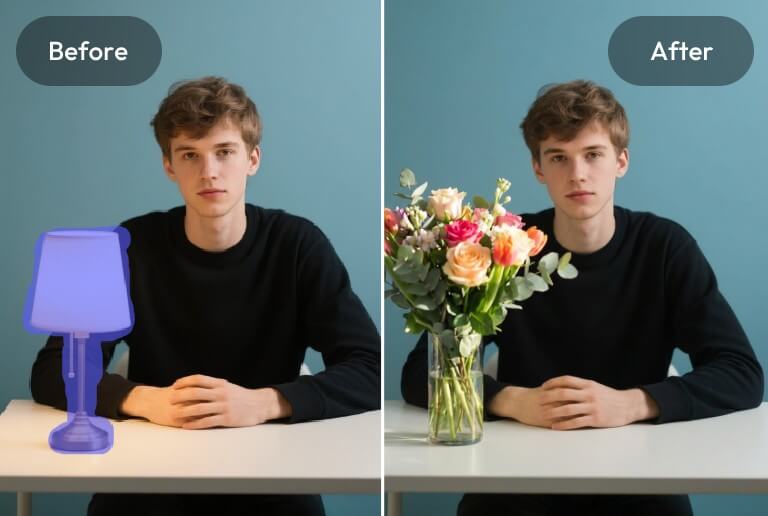
Remove & replace objects
Remove unwanted objects and replace them with natural, AI-generated results.
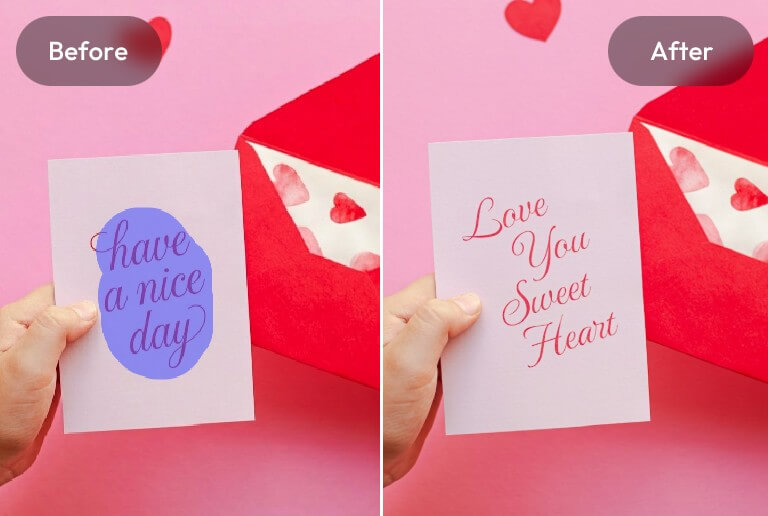
AI text replacement
Replace or edit text in your images with AI, perfect for changing signs, labels, banners, or any text.
AI photo replace for your portraits
See how PxBee’s AI photo replace can enhance your portraits—change makeup, hairstyles, expressions, accessories, and more.
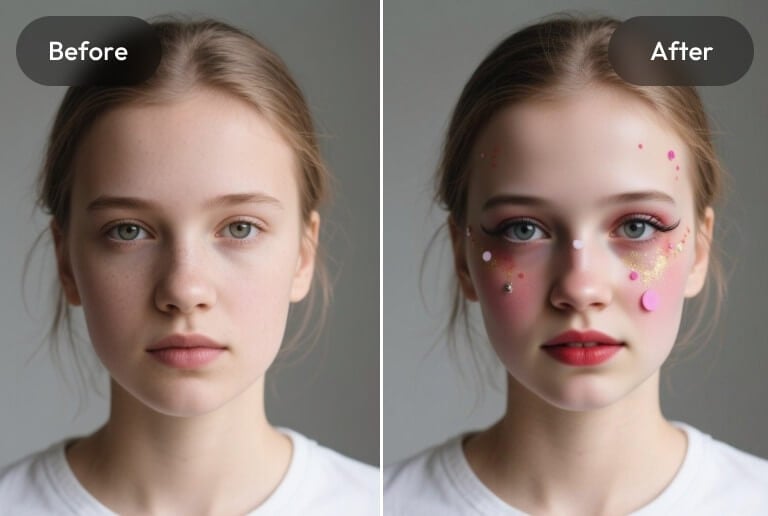
Replace makeup
Virtually try and preview different makeup looks without reshooting. Explore natural to glamorous styles and enjoy convenient portrait makeup with our AI photo replace.
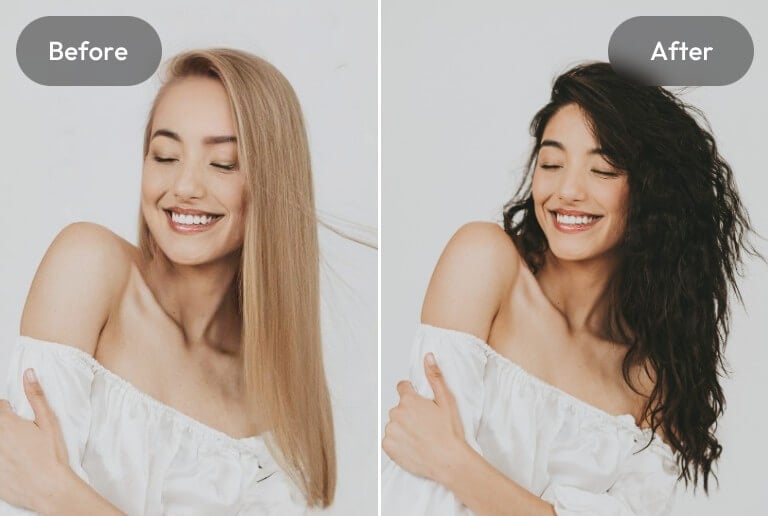
Replace hairstyle & hair color
With PxBee’s AI photo replacer, you can experience virtual try-on and instantly preview and try on various hairstyles and hair colors to find the style that suits you best.
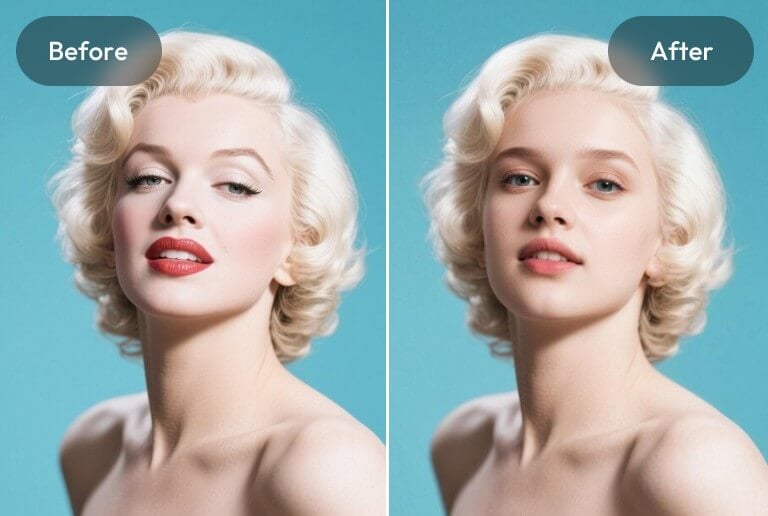
Replace faces
With PxBee’s AI face replacement tool, you can intelligently replace facial elements in your portraits, freely adjust or swap features, and create a whole new look for your photos.
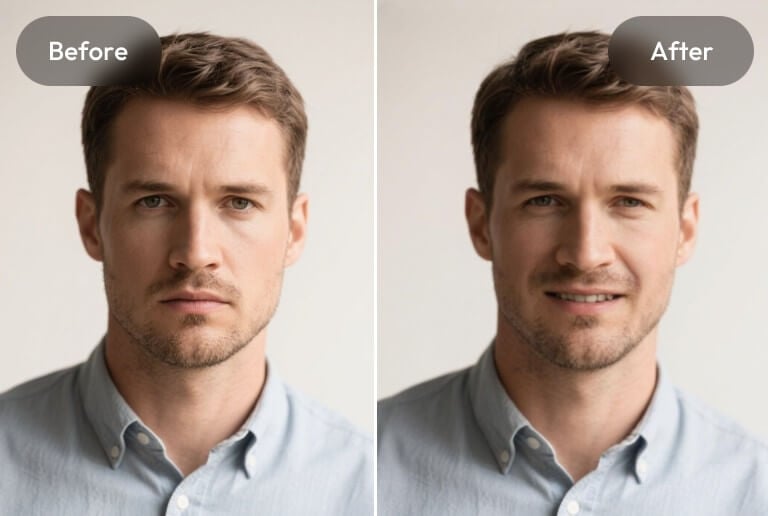
Replace expression & pose
Replace expressions and poses in portraits to make them look more natural and lively, effortlessly achieving the desired composition.
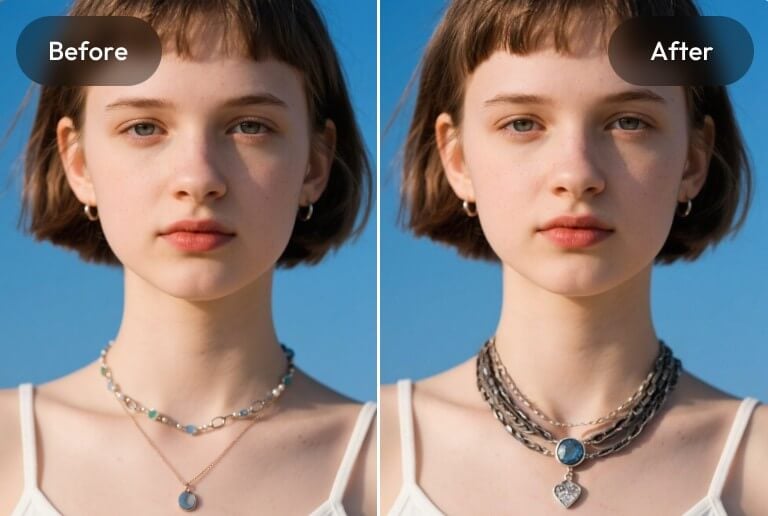
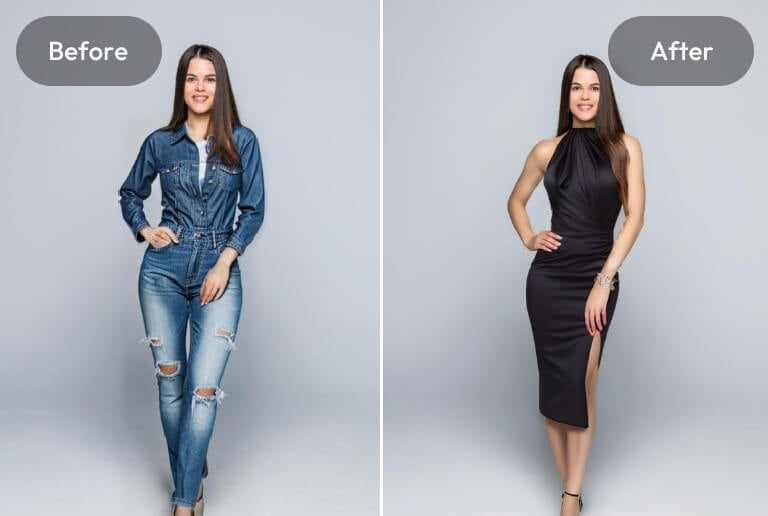
Replace clothes
Use PxBee’s AI replacement tool to quickly change clothing in portraits, explore different outfit styles, and create a variety of looks.
Explore more with PxBee’s AI replacement tool
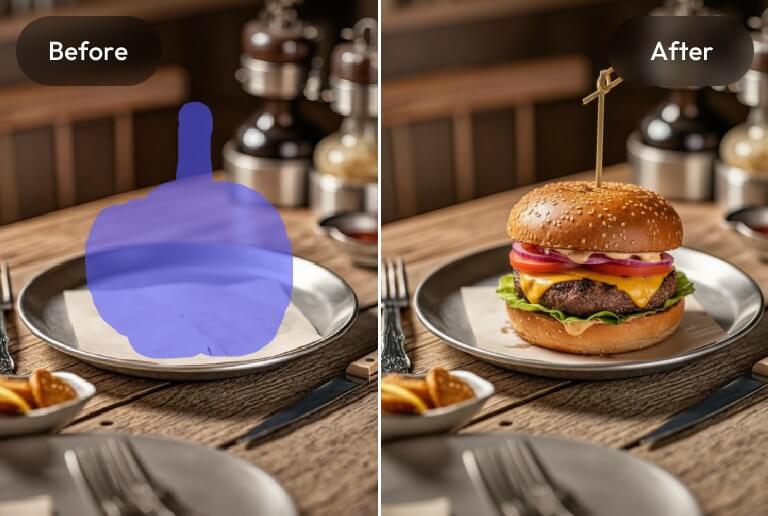
AI generative fill
With PxBee’s AI generative fill, easily add new elements or details to your images, instantly enhancing your photos and expanding creative possibilities.
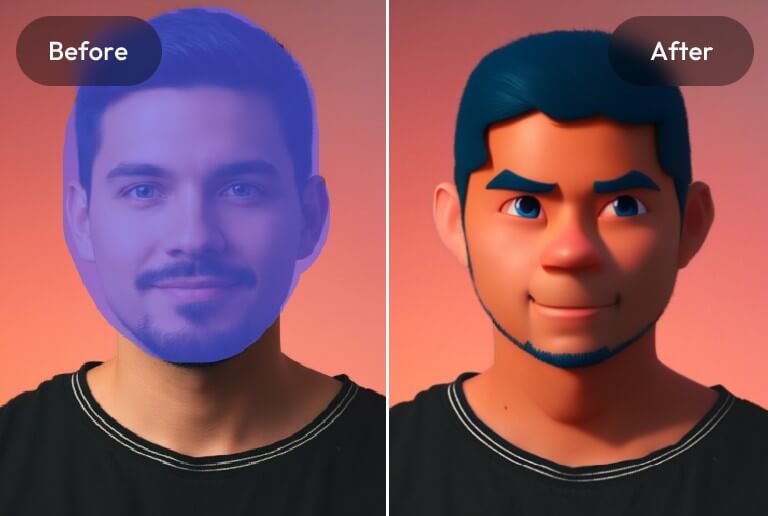
Stylize parts of your image
Transform specific parts of your image into different styles, such as 3D, anime, or artistic effects, effortlessly creating unique and creative photos.
Why choose PxBee’s AI replacer?

Intelligent and accurate
Our AI uses powerful algorithms to intelligently recognize image content, analyze text prompts, and perform seamless replacements.

No quality loss
The entire process preserves the original image quality and supports high-quality JPG and PNG downloads.

No watermark
No watermarks will be added to your images, ensuring a clean and distraction-free replacement.

No sign-up
Start your AI replacement journey right away with no sign-up required.