Free PNG maker online
Create transparent PNG images online with PxBee free PNG maker. Upload any image, remove the background automatically, and download a clean PNG with transparency in seconds. No signup, no watermark, and no manual editing required.

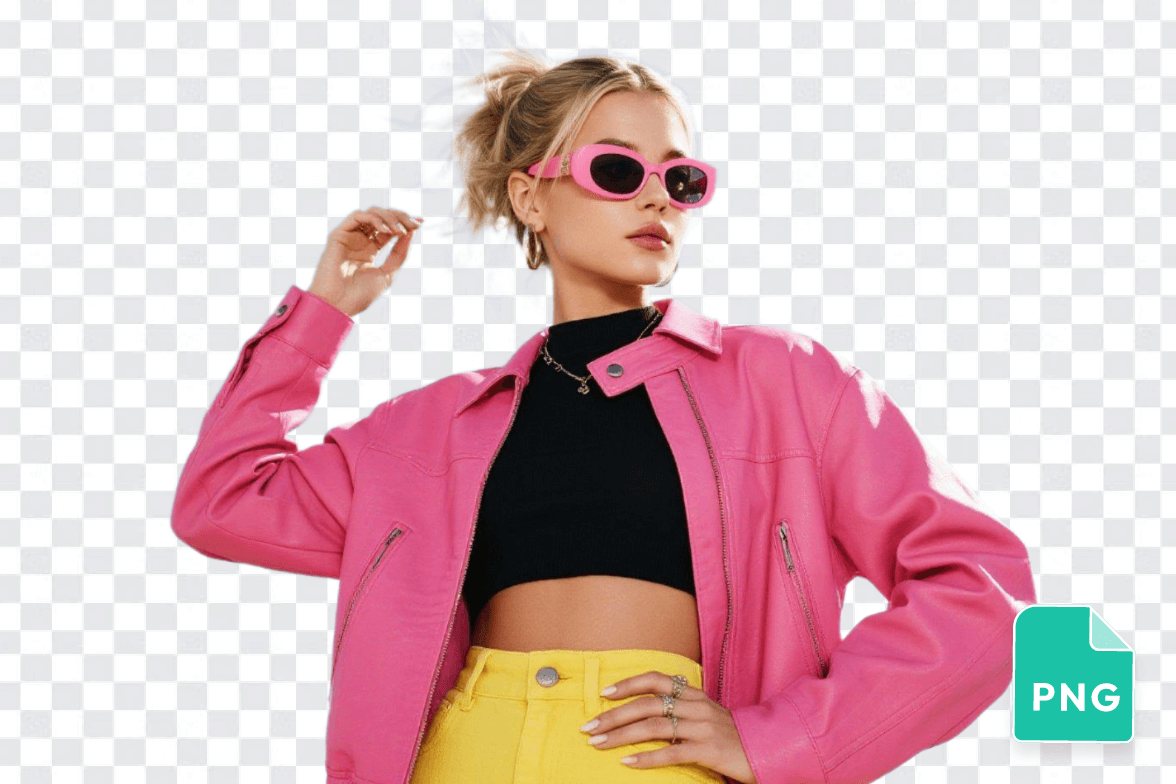
Drag and drop your image here
Drag and drop your image here


How to Make a Transparent PNG with PxBee?

1. Upload your image
Upload any image you want to convert into a transparent PNG. PxBee free PNG maker works fully online.
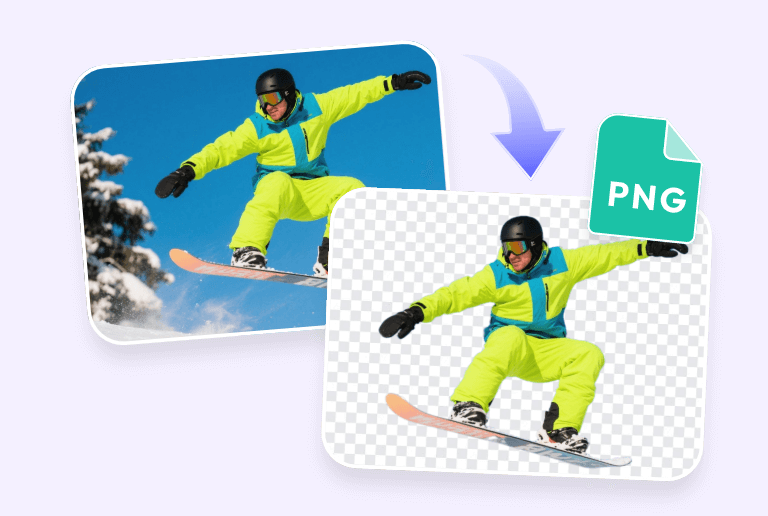
2. Remove the background automatically
AI detects the subject and removes the background in seconds, creating a clean transparent PNG. No manual editing is required.

3. Preview and download
Check your transparent image, then download it in high resolution. Your PNG file is ready to use for web, print, or design projects, completely free and no watermark.
Why choose PxBee as your free PNG maker online?

Free online PNG maker with transparent background
Convert any image into a transparent PNG online. PxBee removes backgrounds automatically and exports clean PNG files with no watermark.

Accurate AI background removal
PxBee’s AI detects people, products, logos, and objects precisely, creating smooth and natural transparent PNG images.

No signup, no software, no hassle
Create transparent PNG images without installing software or creating an account. Just upload, process, and download.
High-quality PNG output for any use
Export sharp, high-resolution PNG files that keep details, edges, and colors intact. Ideal for e-commerce, logos, presentations, and social media.
What is a PNG maker and how it works
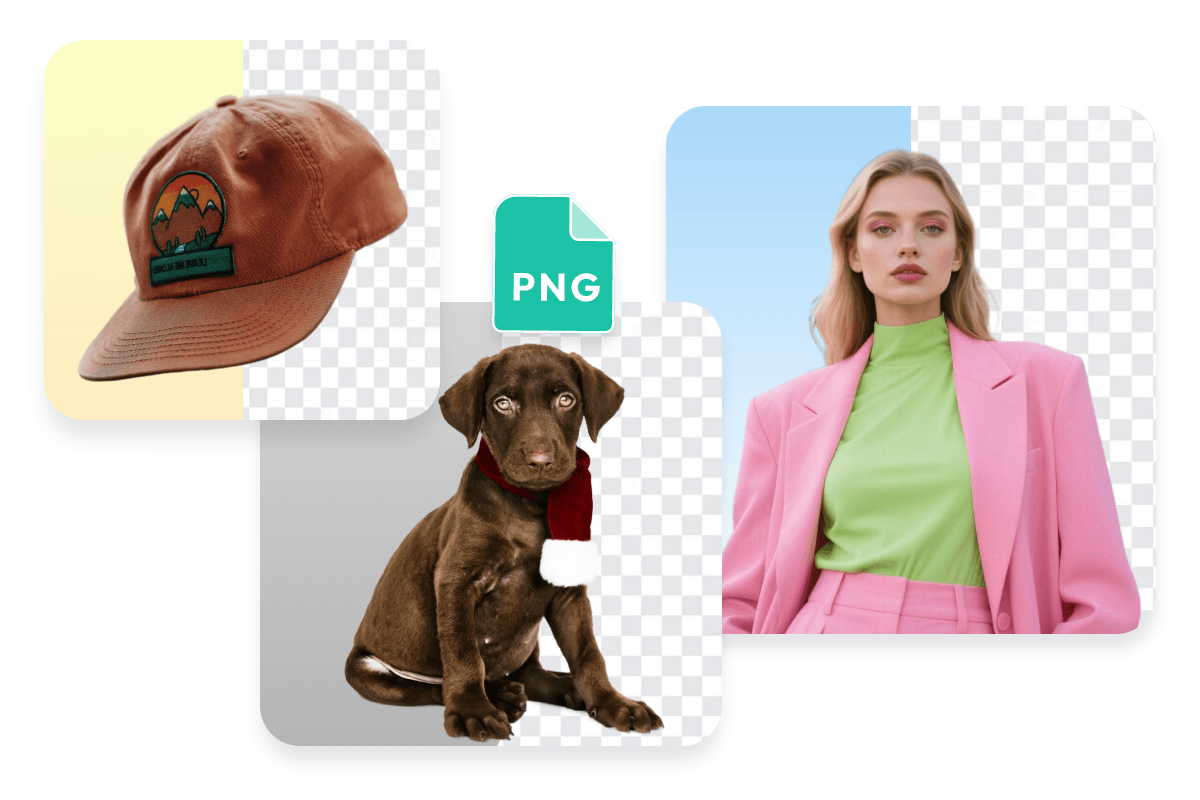
A PNG maker is a tool that converts images into PNG format with transparent backgrounds. PxBee PNG maker automatically removes backgrounds, preserves image quality, and exports clean, transparent PNG files ready for design, branding, or online use.

Convert JPG to transparent PNG automatically
Turn JPG images into clean, transparent PNGs online in seconds. Upload your image and PxBee’s AI removes the background with accurate edge detection, keeping subjects sharp and natural.
Create HD transparent PNGs without quality loss
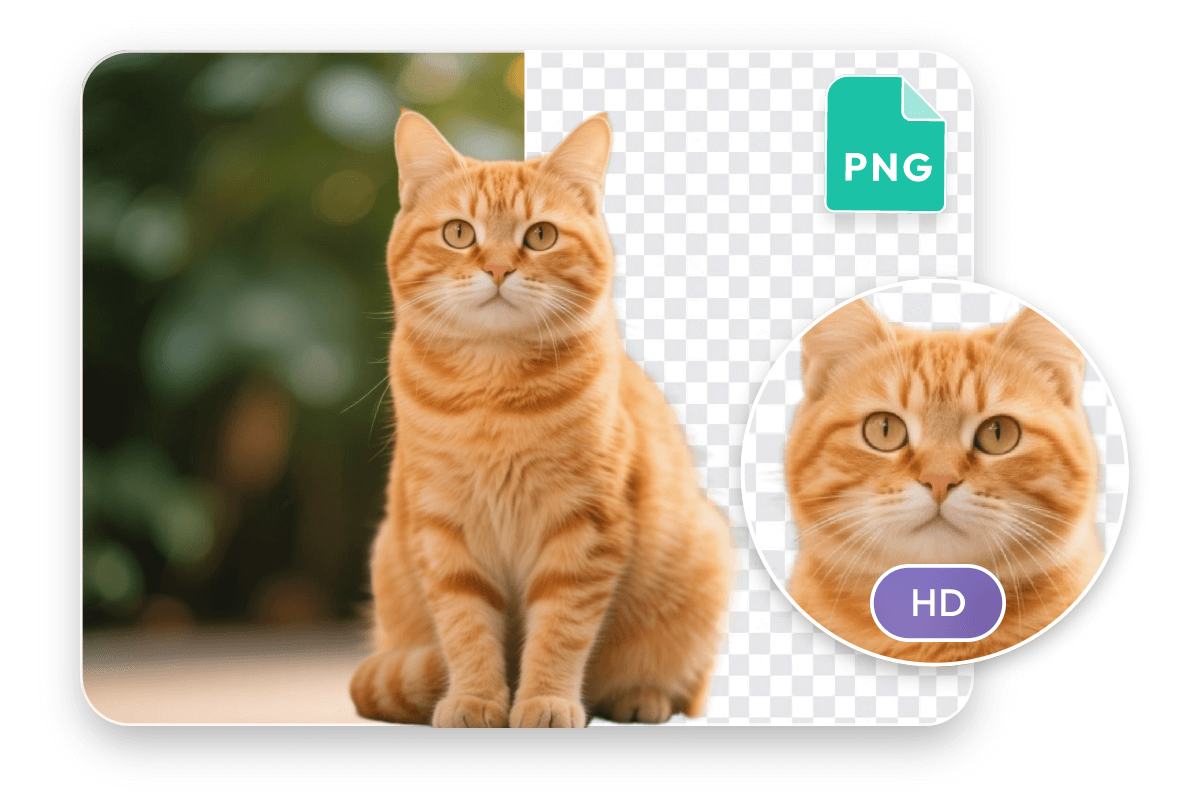
Generate high-resolution PNGs while preserving fine details like hair, fur, and textures. PxBee AI PNG maker enhances image clarity while converting them into HD image PNGs. The PNG output stays clear, sharp, and ready for professional use.
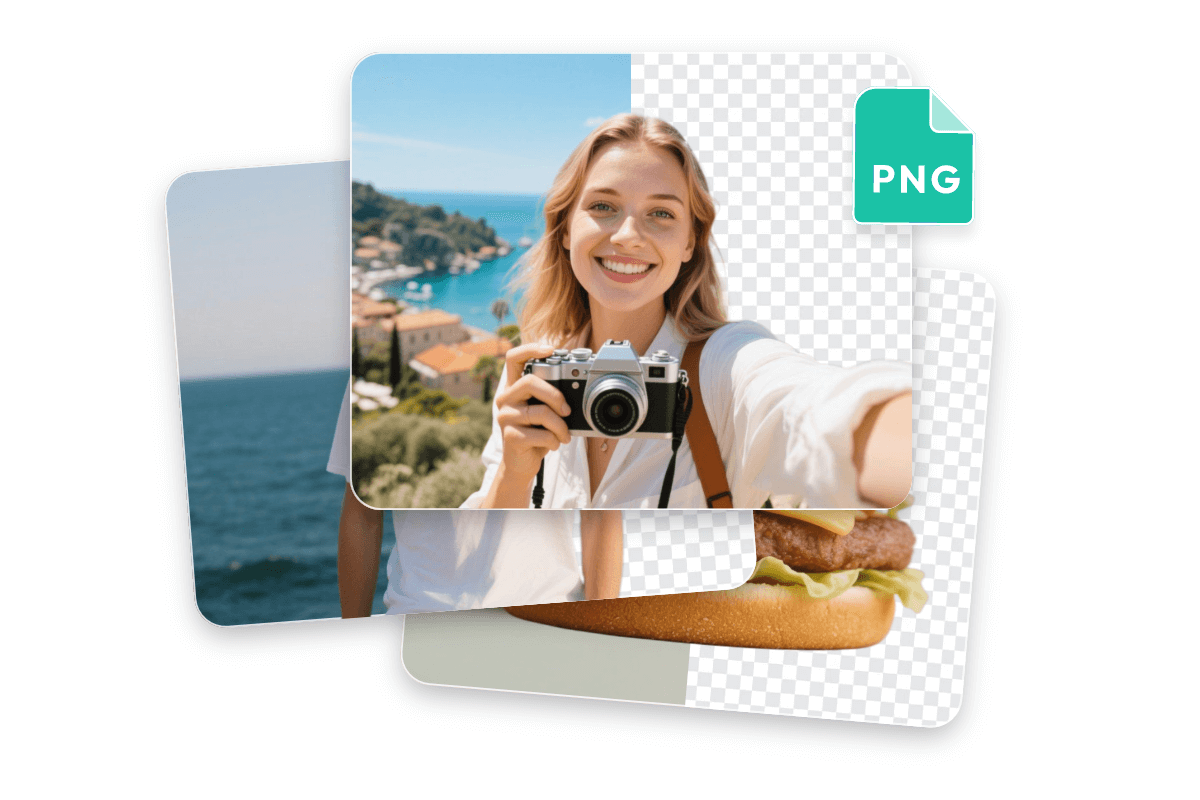
Batch convert multiple images at once
Upload multiple images and convert them to transparent PNGs in one process. This batch PNG maker helps you save time when working with folders or large image sets.
Make transparent PNGs that actually get used
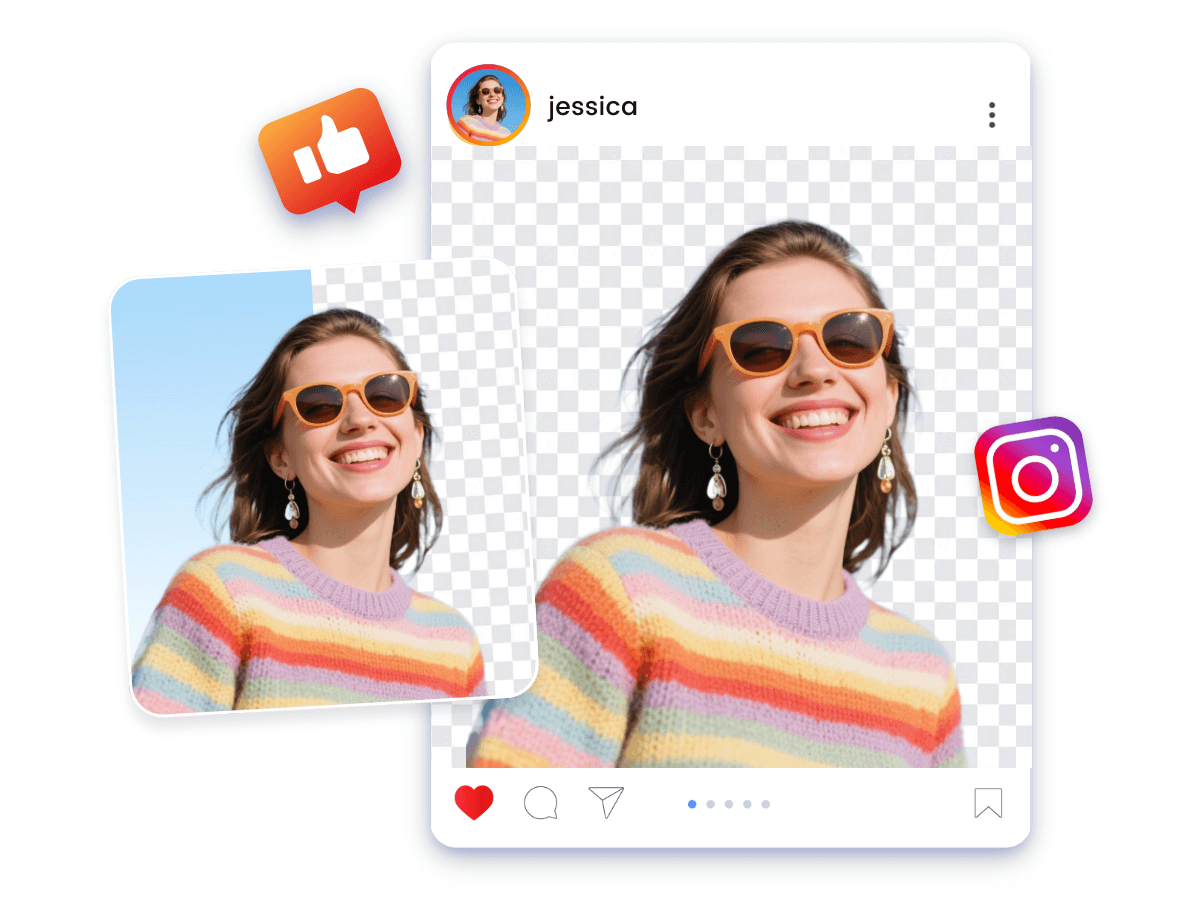
Turn any image into a transparent PNG for social media
Use PxBee free PNG maker online to remove PNG backgrounds and make the image background transparent for Instagram posts, TikTok edits, profile images, or memes. Clean cutouts help visuals look clearer and more polished.
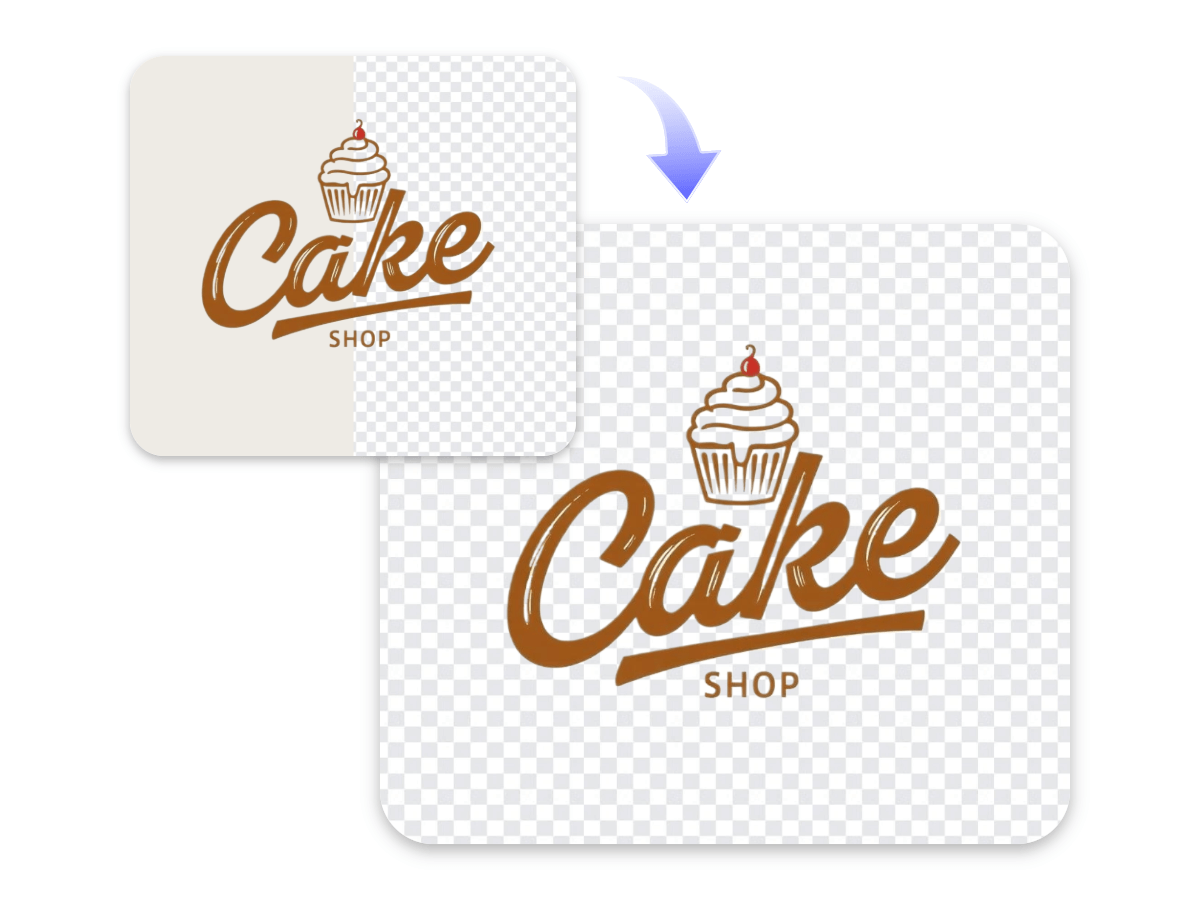
Make PNG Logo background transparent for branding
Remove white or colored backgrounds from logo images and export them as transparent PNGs. Ideal for websites, packaging, slides, and digital assets.

Create high-quality product PNGs for e-commerce
Convert product photos into transparent PNGs for Amazon, Shopify, or Etsy listings. Clean backgrounds help products stand out and look more professional.