Change photo backgrounds online for free
PxBee’s AI background changer lets anyone easily change photo backgrounds online for free. Upload a photo, and the AI will automatically remove the original background and make it transparent. From there, you can change the background, blur the background, generate an AI background, or change the background color—all in just a few clicks. No sign-up or login required, no watermarks.
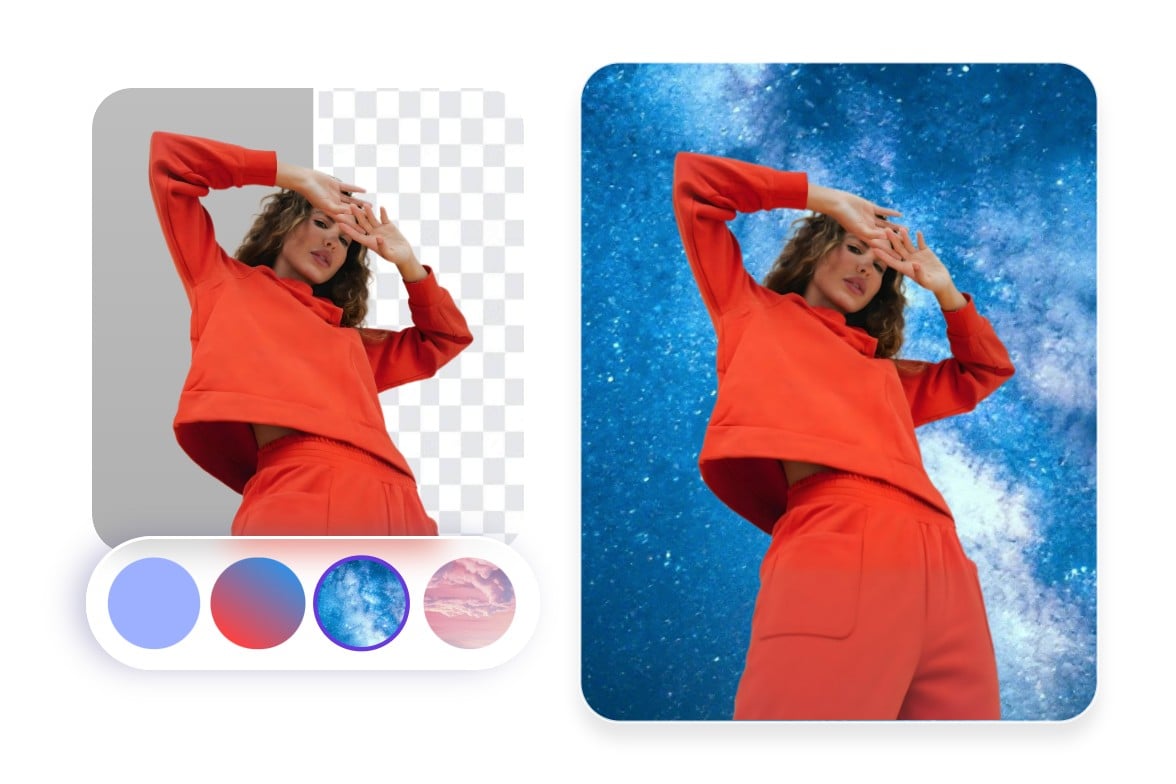
Drag and drop your image here
Drag and drop your image here


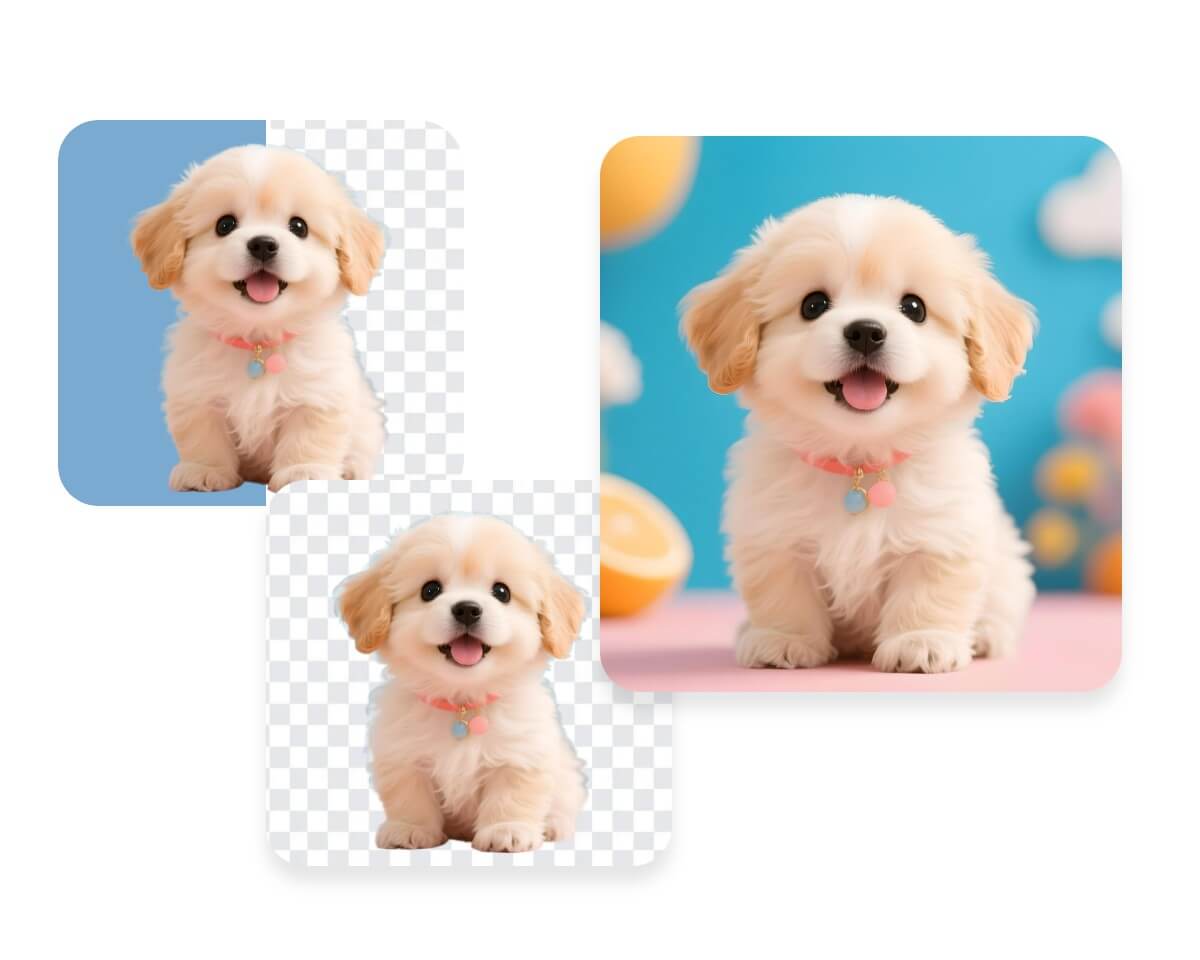
Change backgrounds in PxBee in 4 simple steps
- Upload your photo in JPG, PNG, WebP, or other formats.
- Our intelligent AI will automatically remove the background from your photo and make it transparent. You can also use the manual brush tool to precisely remove or restore areas.
- Depending on your needs, you can change the background color using preset colors, upload your own background image, have the AI generate a completely new background, or even blur the background.
- Download your finished image in high resolution and enjoy your new background.
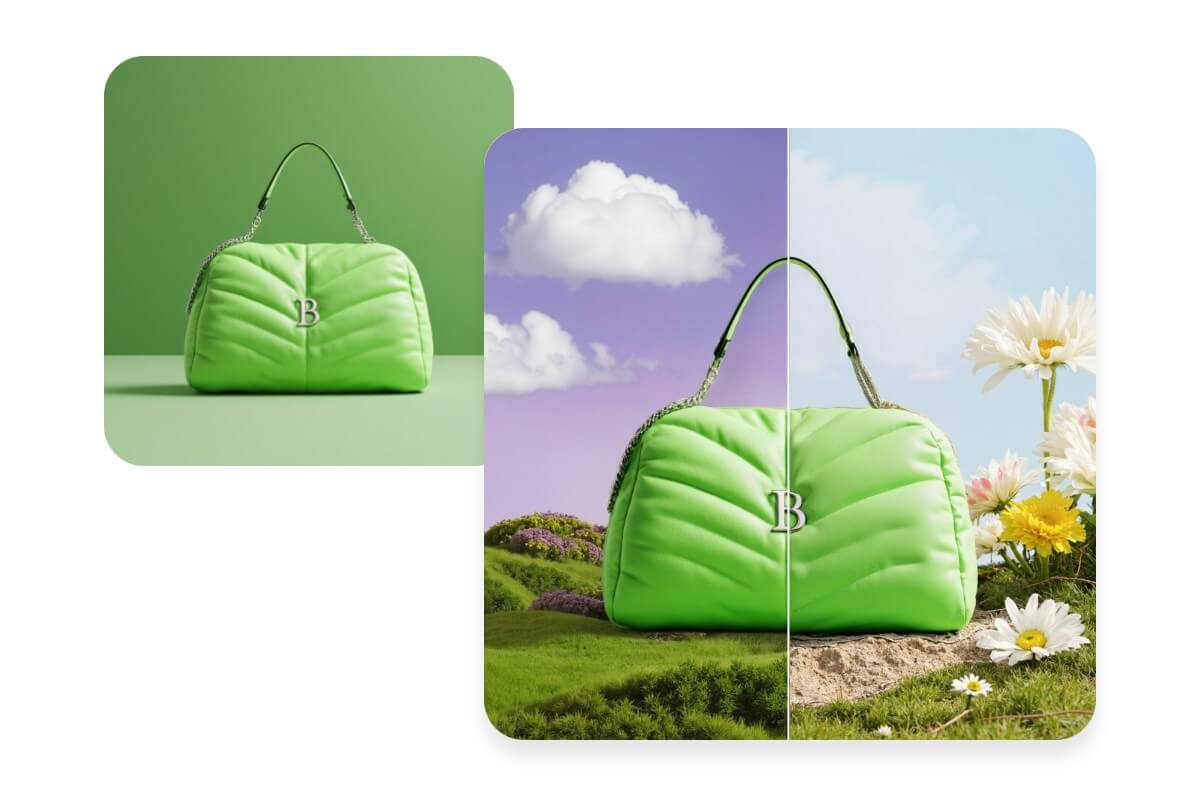
Get to know PxBee’s AI background changer
Tired of spending too much time manually changing photo backgrounds?
PxBee’s AI background changer lets you quickly and easily change your photo backgrounds. Its intelligent AI keeps your images high-quality and detailed, delivering smooth and natural results every time.
Simply upload your photos, and our AI will automatically remove or replace the background. Add new backgrounds freely—no professional skills required.
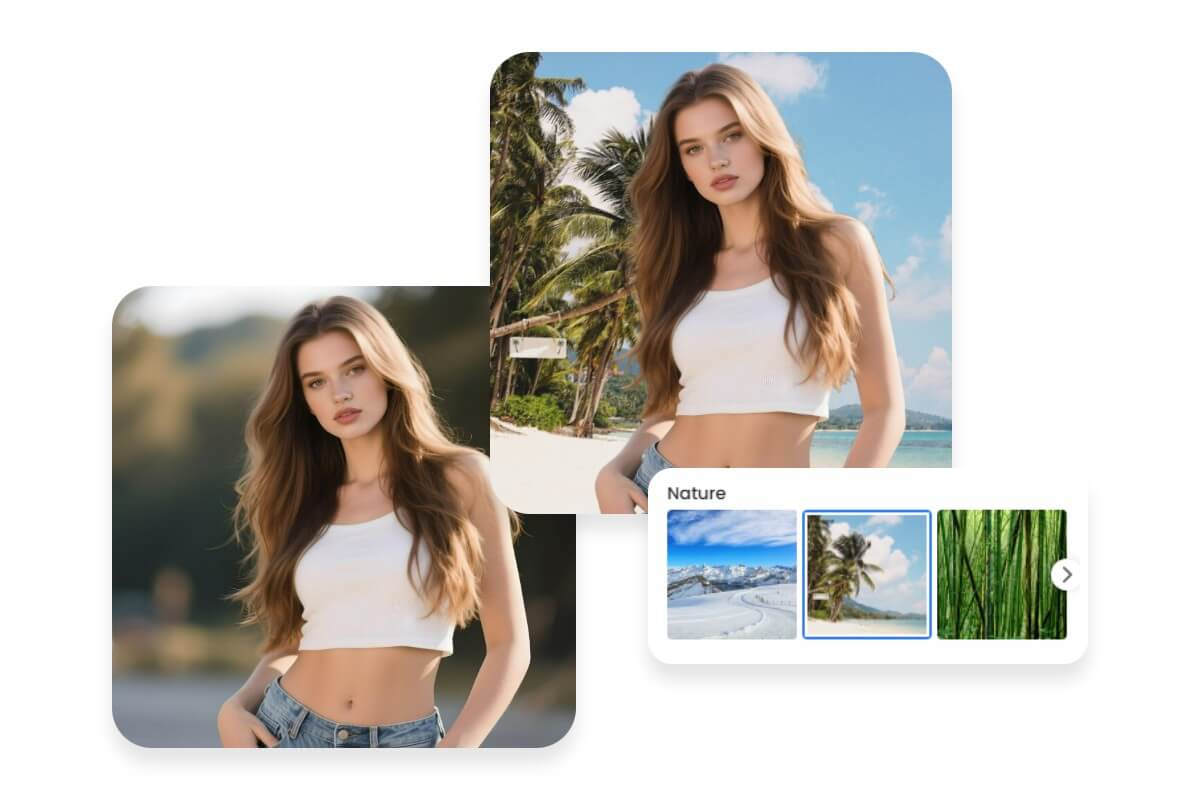
Generate stunning backgrounds with AI
Don’t worry about lacking background options. After removing your image background, our AI background generator offers a wide variety of AI backgrounds to choose from. Simply pick one, and our AI will instantly generate a new background for your image—whether it’s close-up, landscape, indoor, outdoor, holiday-themed, or anything else.
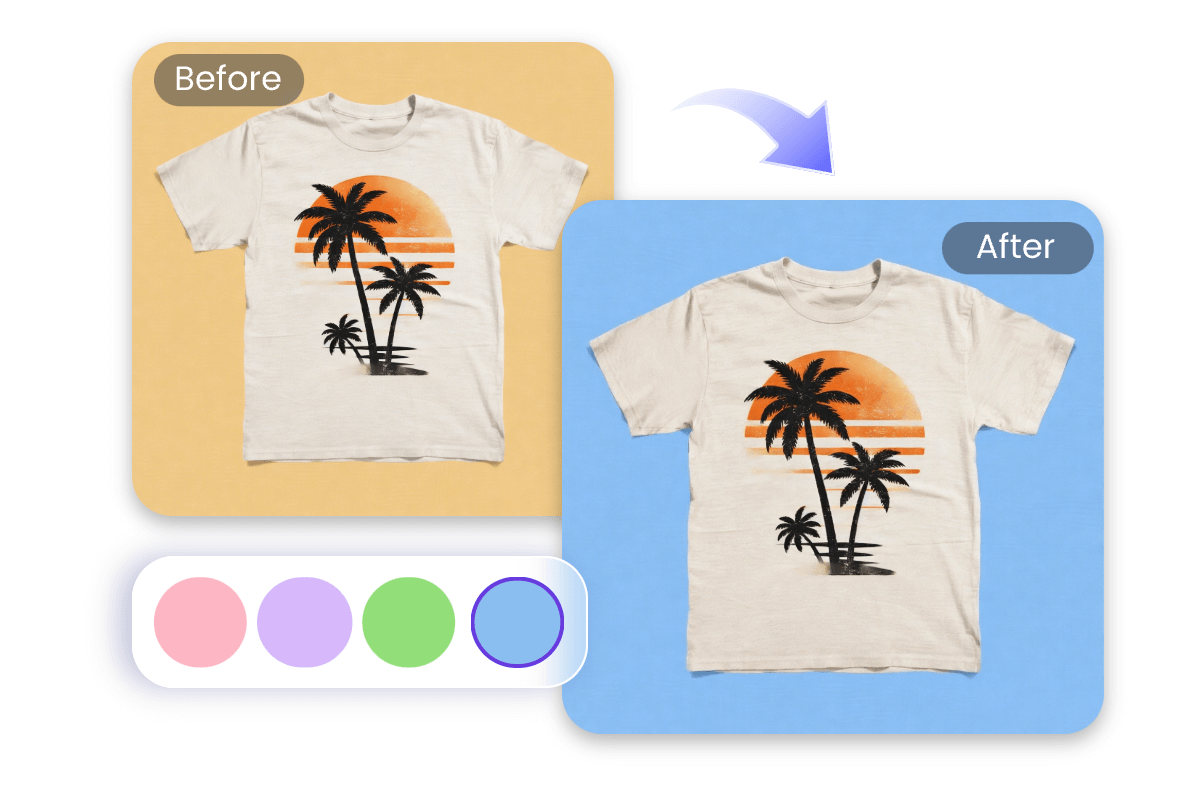
Change background color of your photo
Solid backgrounds are useful for many types of photos. With our AI background color changer, you can instantly change the photo background color to white or any solid color to create clean, professional-looking images. Transparent backgrounds are also supported, and you can export images as high-quality PNGs.

Blur photo backgrounds to highlight the subject
Blurring the background makes your photo’s subject stand out. With our AI photo background changer, you can quickly blur your photo’s background and adjust the blur intensity freely, turning your subject into the visual focus while adding professional depth and dimension to your images.
Explore the uses of our background changer
Our AI image background changer lets you instantly change the background of any type of photo, easily adapting to various uses and scenarios to meet all your creative needs.

E-commerce product display
Change the backgrounds of your product images with PxBee’s AI image background changer, perfectly adapting them to e-commerce platform requirements and making your products look more professional and appealing.
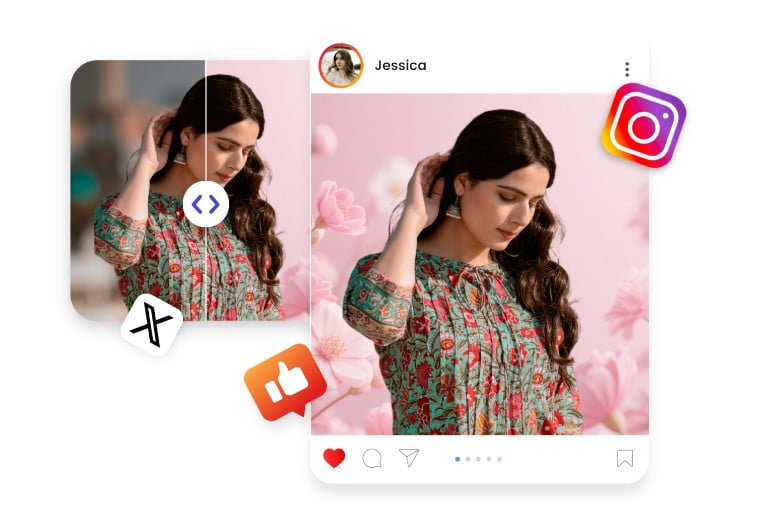
Share on social media
Easily change the backgrounds of your social media photos with our AI photo background changer, creating eye-catching visuals for posts and profile pictures that attract followers and engagement.
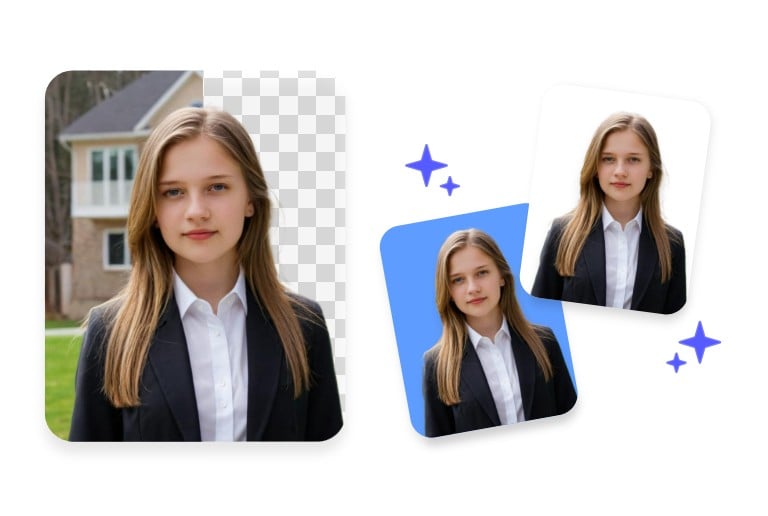
Create ID photos
Quickly replace photo backgrounds with our AI picture background changer to create perfect ID photos that meet official requirements or personal preferences.
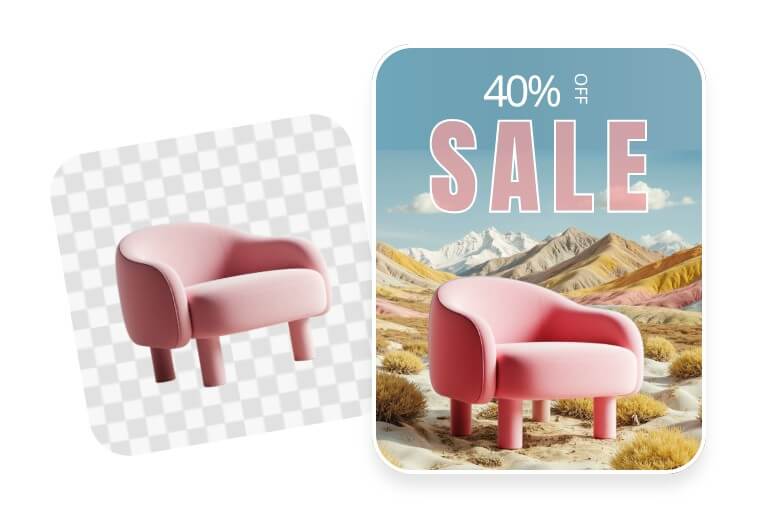
Design Ads
With our AI background replacer, you can effortlessly swap ad photo backgrounds, enhancing the visual appeal of your campaigns and boosting the professionalism and impact of your brand.
Why trust PxBee to change background of photo?

Free & easy
Our AI background changer is free to use, with no complicated steps involved. Anyone can quickly change photo backgrounds with ease.

Automatic & fast
With just a few clicks, our AI automatically and quickly removes and changes the background of your photos.

Batch background change
Upload multiple photos at once and change their backgrounds in one go. Save time and increase efficiency.

No watermark
After changing backgrounds, you can download, share, or use your photos without any watermarks.

No quality loss
Change image backgrounds without worrying about losing quality. Keep every detail sharp and clear for a professional finish.

No sign-up
No login or registration required. Start changing picture backgrounds instantly and edit your images right away.