Remove text from image online free no signup
No more manual editing with complex software. Use PxBee to remove text from image with no skills required. You can brush over specific areas to erase text or simply click one button to remove all text from an image. The AI generates high-quality results up to 4K resolution in under 5 seconds.


Drag and drop your image here
Drag and drop your image here



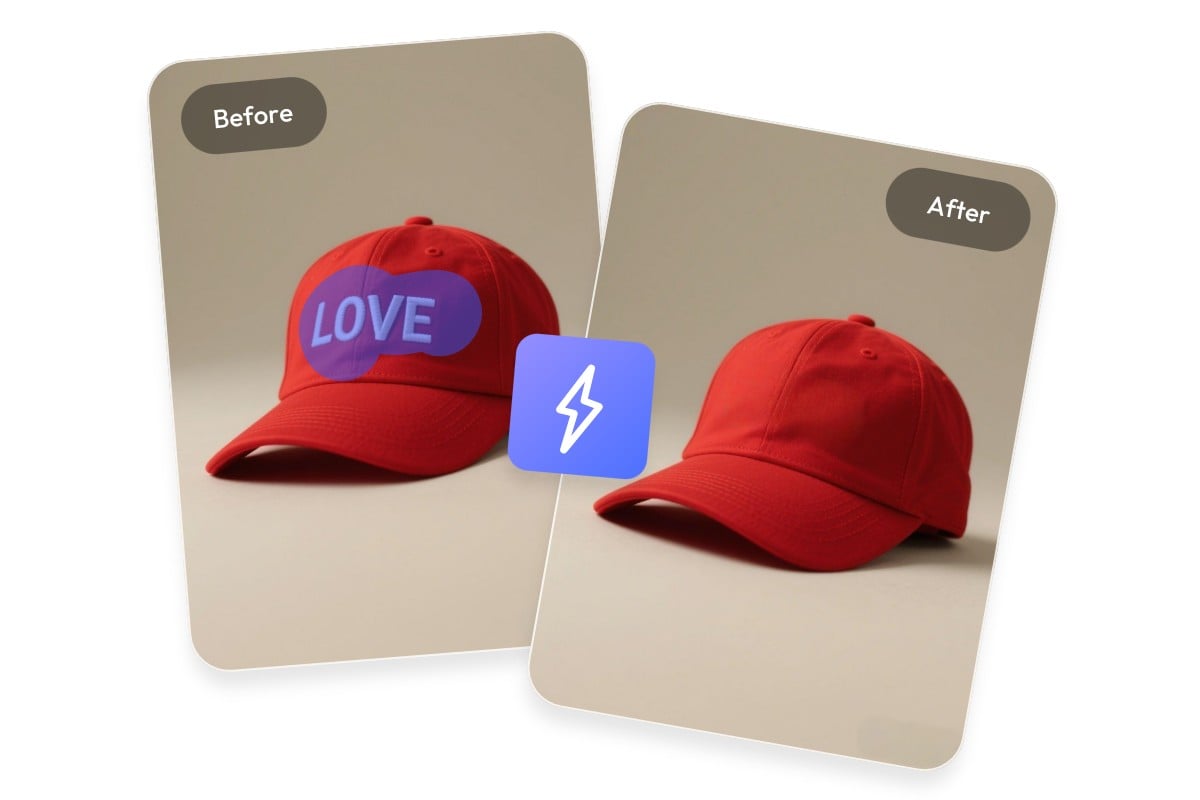
What is PxBee's text remover?
PxBee's text remover is an AI-powered online tool that intelligently erases text from images while reconstructing the background seamlessly, like watermarks, logos, and captions.
It analyzes the surrounding content, patterns, and textures of the area of the text and generates a replacement that blends naturally with the rest of the picture. The AI removes text cleanly without leaving traces or affecting other parts of your photo.

Clear text with brush mode or one-click auto mode
With our text remover, you can choose to use a brush to erase text in specific areas or use auto removal to clear all the text on image. PxBee offers the two flexible removal modes to fit different needs, making it more versatile than many other tools.
In the brush mode, simply paint over the specific text you want to remove, and the AI will delete it from image with precision. In the auto mode, our AI text remover scans the entire image and removes all text elements all at once.
Top use cases of text remover from image
Use PxBee to remove any text from images with AI for free, including watermarks, logos, captions, handwritten notes, personal information, or any unwanted content. Perfect for editing e-commerce product photos, social media content, school projects, or personal use.
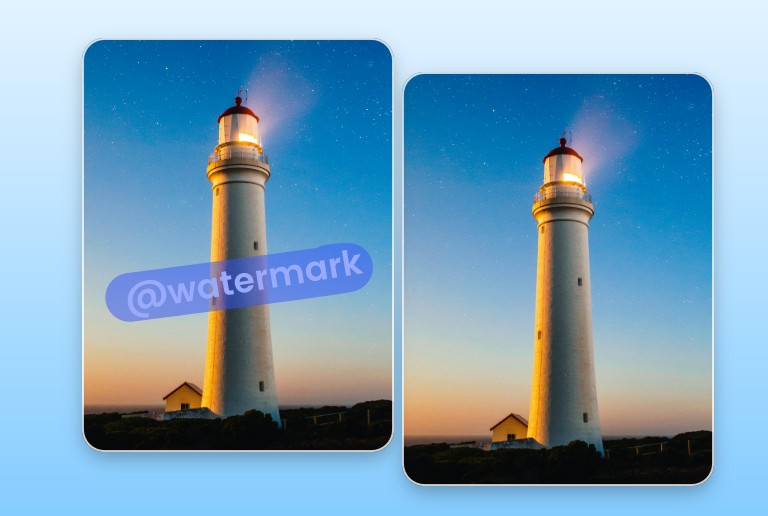
Watermarks
Watermarks make photos difficult to use. Remove watermark text from images for marketing materials, presentations, and content reuse.
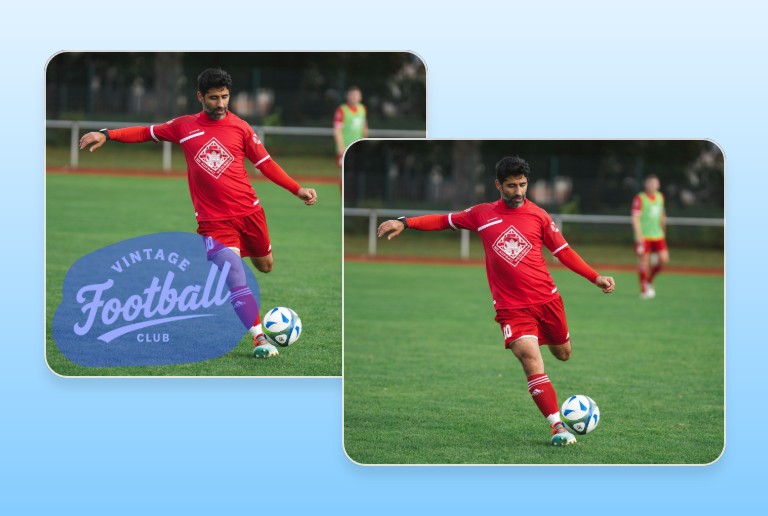
Logos
Logos can limit the reuse of images. Remove logo text from photos to repurpose visuals for new campaigns, presentations, or product listings without distractions.
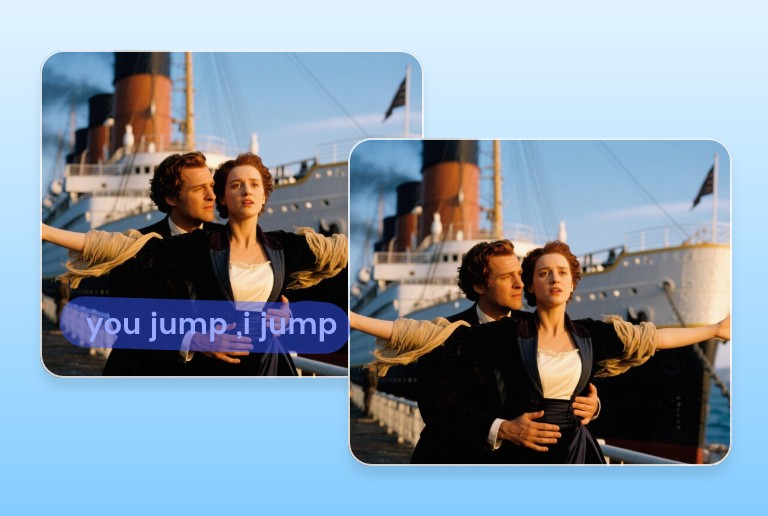
Captions
Captions and subtitles can distract from the main visual. Use our caption remover to clear text from photos and achieve a cleaner, more professional look.
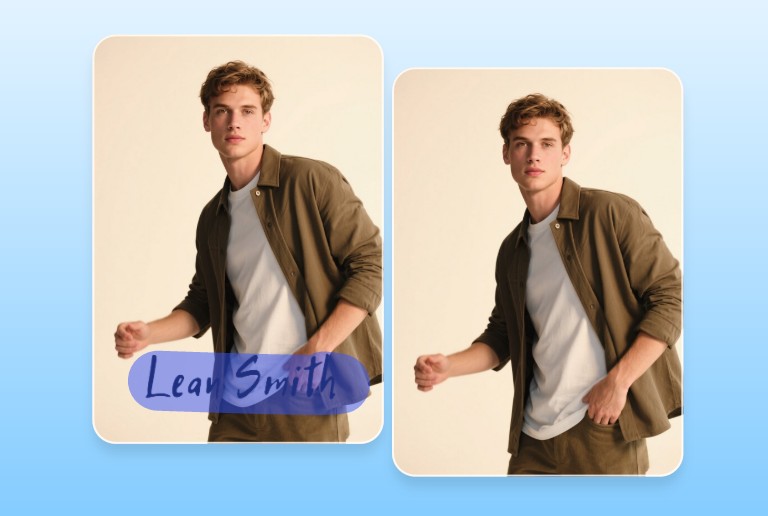
Hadwritten text
Handwritten notes can obscure important visual details. Remove writing from photos to make them ready for sharing, archiving, or reusing.
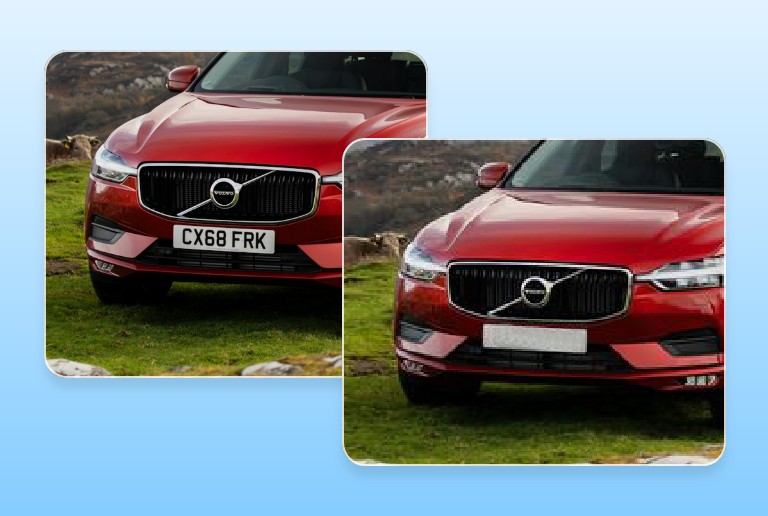
Private information
Protect your privacy before sharing images online. Remove sensitive text such as license plates, phone numbers, or addresses quickly and effortlessly.
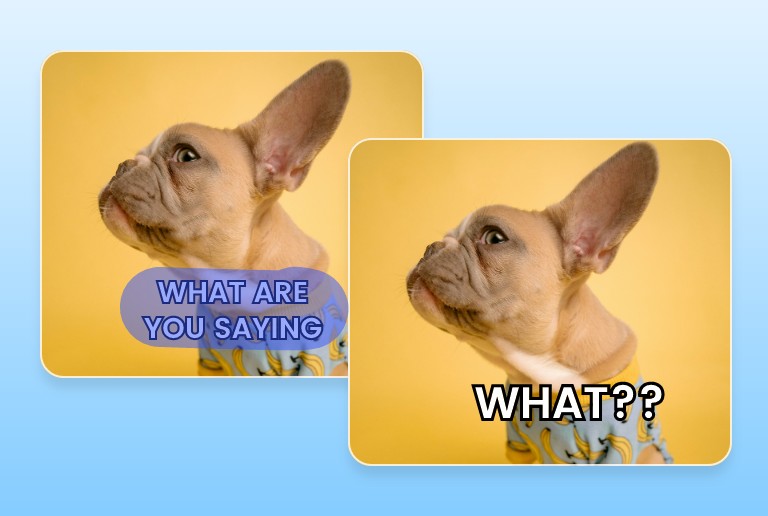
Meme text
Want to reuse a meme format? Remove existing text from memes to create a blank template, add new captions, and create fresh, engaging content.
How to remove text from picture?
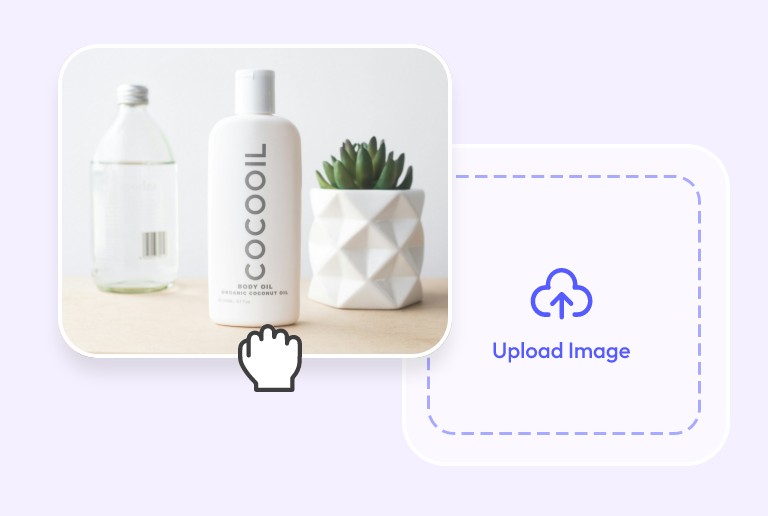
Step1: Upload your image
Upload the image you want to edit to our online text remover. No need to sign up. You can upload common image formats, including JPG, JPEG, PNG, WEBP, HEIF, and HEIC.

Step 2: Erase text from photo with AI
Choose "Brush Remove" and use the brush to paint the text area you want to remove. Or choose the "Auto Remove" and clear all the text in one go.
Step 3: Save a clean picture
The edited picture will be ready in under 5 seconds. You can then download it in high resolution for free. There are no hidden costs.
Why choose PxBee to remove words from picture?

Free to use
Our image text remover is completely free and there are no hidden charges. You can edit, enhance, and download your images for free.

No signup
No account registration or login is needed. Simply upload your image and start removing text instantly.

Fast generation
The AI will remove text from image instantly and generate a clean image for you in under 5 seconds.

Seamless removal
PxBee’s text eraser removes text precisely and reconstructs the background naturally, preserving image quality without visible artifacts.
Supports multiple formats
PxBee's text remover supports common image formats, including JPG, JPEG, PNG, WEBP, HEIF, and HEIC.

Protected Privacy
All uploaded images are protected by PxBee. You don’t need to worry about information leakage or misuse.